Close
0%
0%

Antique PAL reading system

Dataman device programmer and PC with LPT

Similar projects worth following
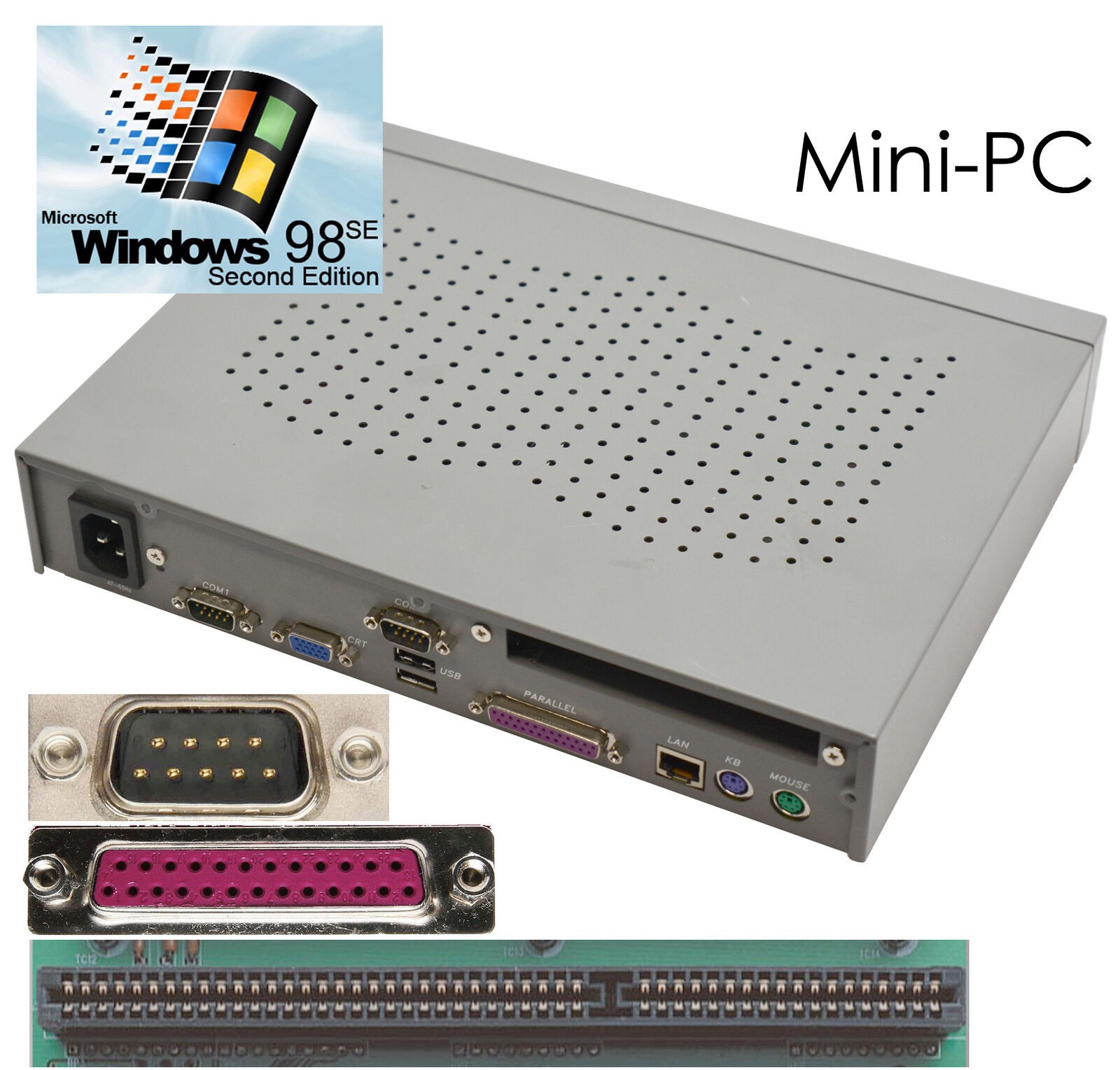
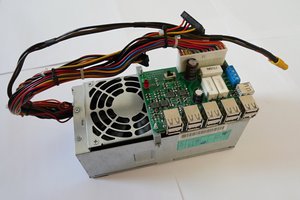
I have various old boards whose PAL chips I want to read but my hobbyist device programmer only supports a few modern devices. I mentioned this to a workmate, who was nearing retirement, and he gave me a professional-class Dataman device programmer! It failed to talk through my PCIe LPT card, and Dataman told me the software needs to talk via a printer port on the PC motherboard. Or I can upgrade to a USB version for 400 GBP. I tried a cheap thin client board, but it had no OS and installing one was more hassle than expected. I eventually bought a small fanless PC with Windows 98SE already installed. This worked fine and I was reading devices within a day.

The £26 thin client PC proved problematic. To install a Windows OS, I needed a drive to install it from. There were no power connectors to power one. All rather fiddly.

I thought of using my SCPC486 board, but that also needs a fair bit of work to get going.

I decided to buy a small PC with Windows 98 already installed. There were some for £102, but I paid £160 for one that was 40% of the size. Space is scarce in my place! It has an LPT port that is directly accessible with IN and OUT instructions, which is what the Dataman software demands.

It has a single ISA slot.

One minor annoyance is that I can't completely change Windows 98SE language to English. Apparently this can only be fixed by a re-installation, which I cannot do. This problem was fixed in Windows XP but the Dataman software to run this old device programmer does not run on XP. Ach scheisse...

On the plus side, it is now reading and writing old devices. I have used it to reverse engineer PALs from my own collection of boards, and from other people's boards. I'm happy to try reading anyone else's PAL chips if they need to preserve their logic for posterity.

Dataman_U42_firmware.zip

The code run by the 80C31 microcontroller inside the Dataman.

Zip Archive - 49.10 kB - 10/30/2025 at 00:11

Download

Dataman48SoftwareWindows.zip

Dataman tell me this is the latest software that will drive a 48LV through the LPT port, and only runs on Windows 9x/ME/NT/2000. Not Windows XP, 7, 8 or 10.

Zip Archive - 3.33 MB - 01/07/2022 at 14:50

Download

dataman_48_48lv_device_list.pdf

Dataman 48LV device list

Adobe Portable Document Format - 44.64 kB - 01/07/2022 at 12:39

Preview

D48v4.1.zip

Not the latest software.

Zip Archive - 3.00 MB - 01/07/2022 at 14:26

Download

D48 sp3 fix.zip

I think this is the latest software update. For Win 2K

Zip Archive - 4.60 MB - 01/07/2022 at 14:26

Download

  • Verifying behaviour

    Keith10/05/2025 at 16:32 0 comments

    The first thing I want to do is confirm that the devices I program behave exactly as the originals.

    The original MMI handbook shows the keyword FUNCTION TABLE followed by a list of pin names generating a truth table. Alas the Opal software does not recognise this keyword, and nor does GALASM.

    Looks like the simplest way is to read the behaviour using a ROM socket adapter. I will need to make one for exercising PAL chips that are copy-protected.

  • Compiling GAL equations on Linux

    Keith10/05/2025 at 16:23 0 comments

    There is an open-source compiler called GALasm at Github.

    GALasm

    Pros:

    • Open source
    • Runs on Linux natively

    Cons:

    • Limited to a few GAL chips
    • Needs Opal files to be edited to a new format
    • Pin lists must include NC pin names
    • Pin names limited to 8 characters

    Opal

    Pros: 

    • I can run it on MSDOS and a Linux DOS emulator
    • Supports many GAL and PAL chips
    • Written by a chip manufacturer
    • Thoroughly tested by industry

    I shall be sticking to Opal, because I can run it on both machines

  • Running DOS tools on Linux

    Keith10/05/2025 at 02:55 0 comments

    I want to try compiling PAL equations or decompiling JEDEC files more often than I need to read or program devices.

    It is much more convenient to do this on my Linux PC than my small Win98 PC.

    The tools can be run by an MSDOS emulator called DOSBOX.

    I have a small USB stick I use for transferring PAL work between the two machines. On my Win98 machine it appears as drive F, and on my Linux machine as drive /media/keith/USB DISK.

    The USB drive has the tools in F:\MSDOS\Opal

    The first thing to do is to start the DOSBOX application, which will open a DOS window with this prompt:

    Z:\>

    The next step is to make the USB drive look like a disk drive inside the DOS. I use the command:

    Z:\>MOUNT F "/media/keith/USB DISK/MSDOS"
    F:

    This mounts the Linux directory in the virtual PC:

    F:\>dir
    Directory of F:\.
    .              <DIR>        17-09-2025 20:41
    ..             <DIR>        01-01-2098  1:00
    OPAL           <DIR>        20-09-2025  2:00

    So now I can go to OPAL and run all the tools from there.

    Irritatingly, I can't copy and paste text into the DOSBOX window. Also, if I change file or directory names in the Linux directory, they are invisible to the dir command but I can still cd to them. All the names are 8-characters, so it is helpful to choose short names.

    It defaults to a US keyboard, so I have to run this command to get a UK keyboard:

    keyb uk

  • Mini-PC host

    Keith02/04/2022 at 17:06 0 comments

    Most of the headache seems to be installing an OS. This is easy with a ready-to-go PC with a CD ROM or even floppy disks, but my Futro board did not have them.

    I decided to buy a small PC with Windows 98 already installed. There were some for £102, but I paid £160 for one that was 40% of the size. Space is scarce in my place! It has an LPT port but if it is not directly accessible with IN and OUT instructions, I can fit one that definitely is by using the single ISA slot.

    The couriers left a note saying there is £42.95 to pay. I imagine this is £32 for 20% VAT plus £10.95 processing charge. Pushing the total cost to a tad under £203. That is still about half the cost of the USB upgrade, but not that cheap either.

    2022-02-07

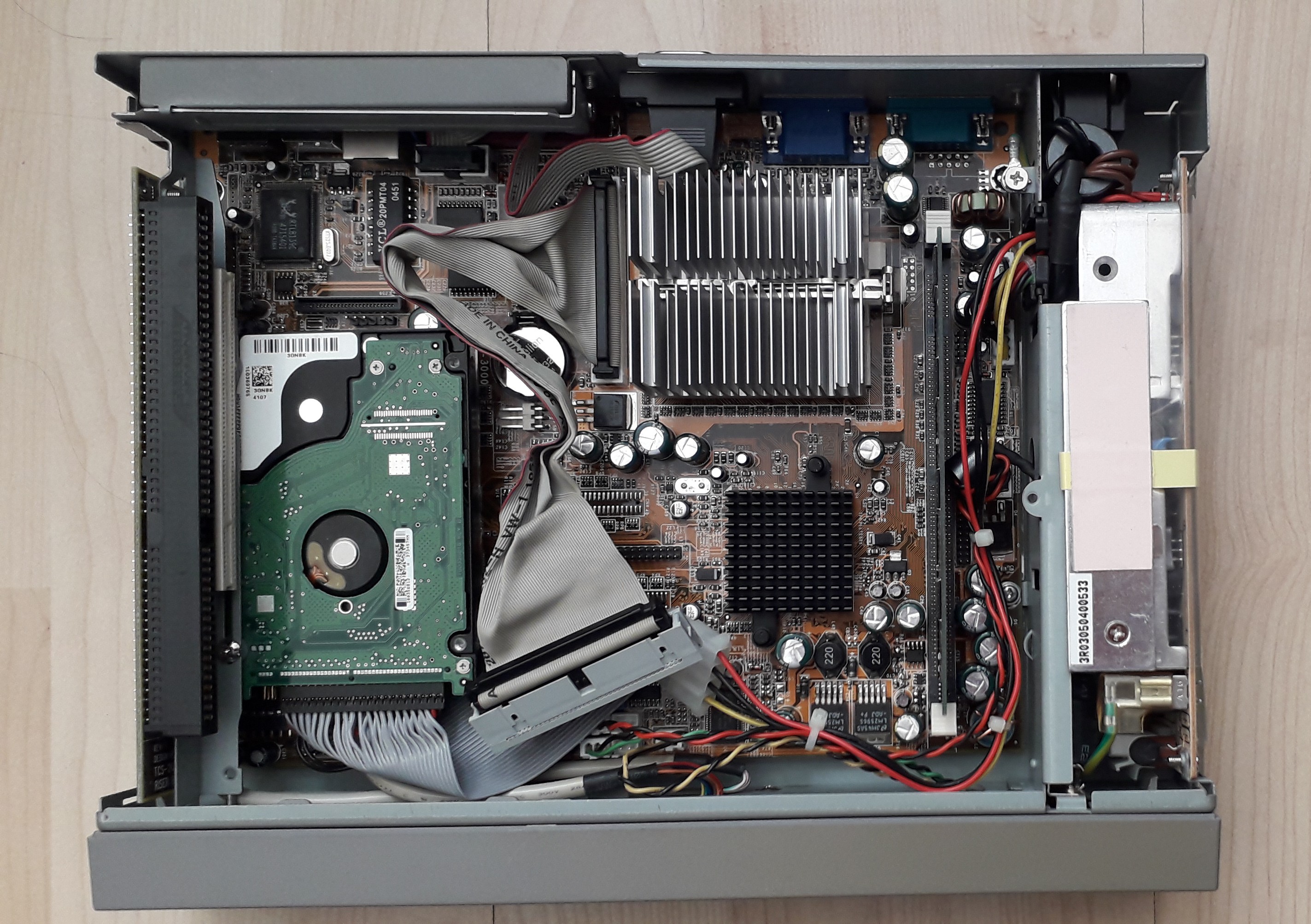
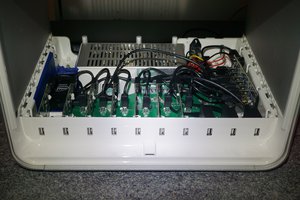
    It arrived and I had a look inside it:

    It is fanless, with the only faint sound coming from a 2.5" PATA drive. Switching on, it boots to German Windows 98. A few quick tweaks to the settings and it is British keyboard and UK English, but still get some German appearing when hovering the mouse cursor over the minimise/maximise/close icons.

    I installed the Dataman device programmer software through a USB drive. There are four USB ports and they accept USB drives and wireless mouse receivers, although with some diversion to look for new device drivers.

    It managed to speak to the device programmer through the LPT port on the motherboard. 

    There does not seem to be a manufacturer for all the sample PAL chips I had, but I selected the nearest equivalents and managed to read them.

    Success!

  • Fanless PC board

    Keith03/28/2021 at 02:00 0 comments

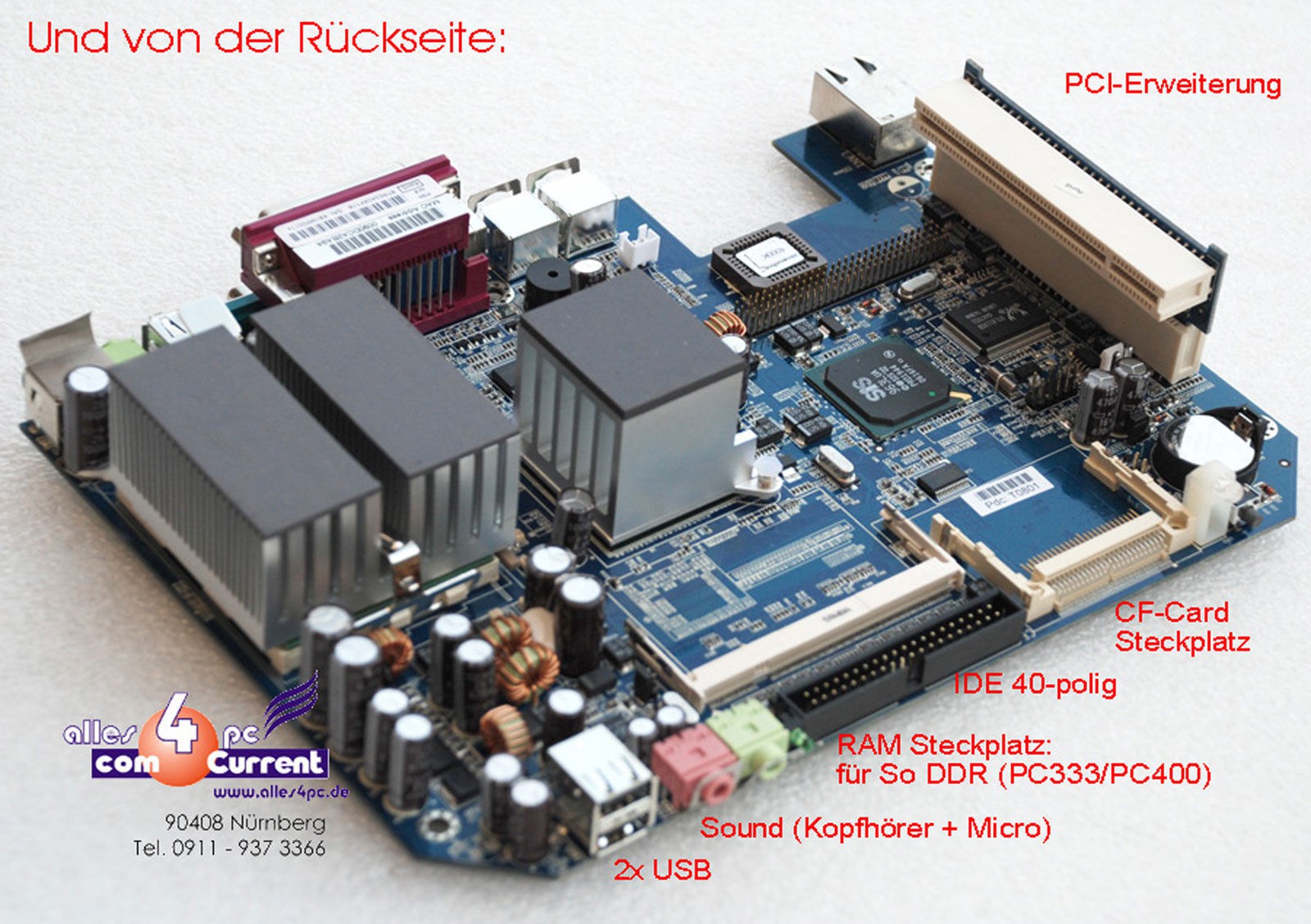
     I found some "Thin Client" PCs fanless PC boards (Fujitsu Futro S-400) from Germany, with these features:

    * legacy RS232/LPT ports
    * modern build
    * fanless and silent
    * simple power (12V 5A DC)
    * PATA and CF sockets

    I only need the LPT, the other features are just a bonus.

    They were cheap at £26 but there is 20% VAT and over £10 of paperwork charges, which are an unwelcome addition.

    I plan to install WinXP and the Dataman software.

    I have a Tektronix pizza-box style case that might do, but the board needs to be upright for good convection cooling.

    I have a suitable 12V DC PSU.

    The PSU connector is a 4-pin thing but Toby want £4 postage on a £1 part. So I may simply wire power directly in to save looking for the plug.

    2019-02-10 Finding it very hard to get this board going. Managed to make a bootable DOS drive on CF card but this won't run the WinXP installation files in DOS mode. I think the only way is to get an IDE CD-ROM drive and boot from that. Perhaps borrow one from an old PC? It is cheaper in time to just buy one.

    I have found an old external drive that takes in 12V and steps it down to 5V, then both rails go to a 4-pin Molex drive power connector. I intend to use this to power the optical drive while it installs WinXP. Afterwards it and the optical drive are no longer needed.

    2019-02-11 Salvaged an IDE CD ROM drive from an old scrap PC. Did not work, nor did either of two IDE hard drives I had. 

    2019-02-15 Tried to get into the BIOS to see if it can be modified to try booting from the IDE port. I can't get in with DEL or F2.

    2019-02-17 Tried raw copy of some existing XP disk files.  Could not delete files from Linux, had to reformat. Copied XP files, tried it, got "not a bootable disk" so I have to make it bootable again somehow.

    Due to the international pandemic situation, I shelved this project for a while. I later looked for an alternative host.

View all 5 project logs

Enjoy this project?

Share

Discussions

Rhine Labs wrote 08/09/2024 at 20:01 point

Would you happen to have a back up of U42 it is a W27C512.

  Are you sure? yes | no

Keith wrote 05/17/2025 at 21:08 point

Sorry about the late reply. I have read and uploaded the binary image. I can send you a copy on EPROM if yours has faded.

  Are you sure? yes | no

Does this project spark your interest?

Become a member to follow this project and never miss any updates