Open Printer is an open-source, repairable inkjet printer designed to outlive your laptop, dodge planned obsolescence.
To make the experience fit your profile, pick a username and tell us what interests you.
We found and based on your interests.
Black ink is great, but offering a printer with color options is even better!
Having the flexibility to use either one cartridge or both is a real advantage too.
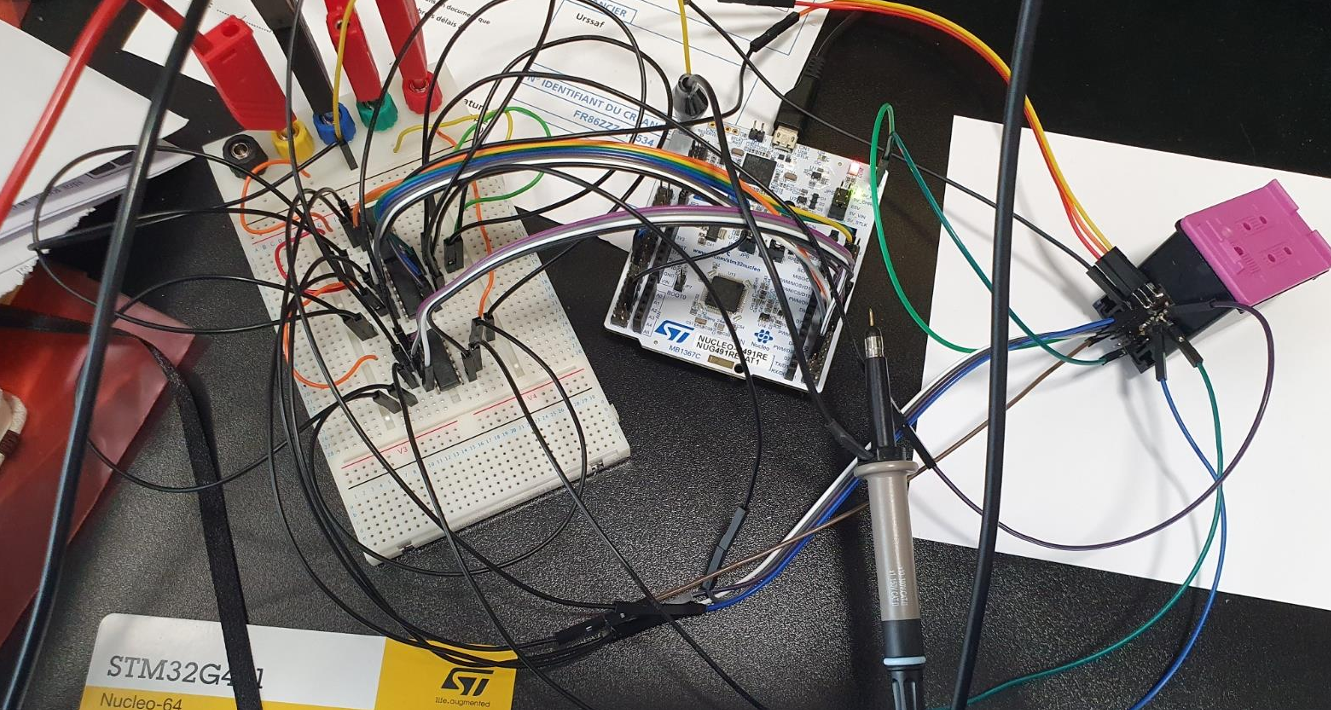
The cartridge we used in the first proof of concept worked well for monochrome ink, but the three-color version (Cyan, Magenta, Yellow) proved difficult to reverse-engineer. On top of that, this cartridge model is fairly expensive and hard to find.
After seeing the incredible Magic Printer Cartridge Paintbrush project from SpritesMods (check it out here: https://spritesmods.com/?art=magicbrush), we decided to switch to a different cartridge reference.
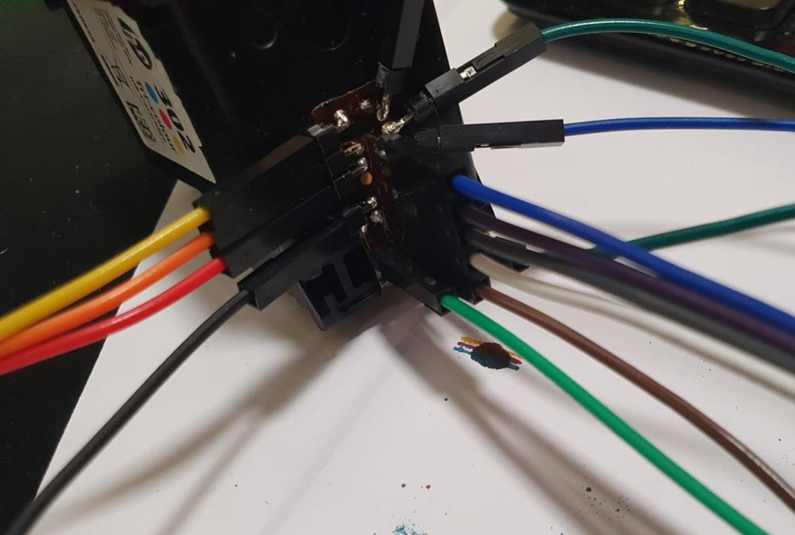
This cartridge brings a lot of benefits: higher print resolution, a more compact design, fewer signal contacts, easier sourcing (a lot in garbage bin) and it’s cheaper. What more could you ask for?
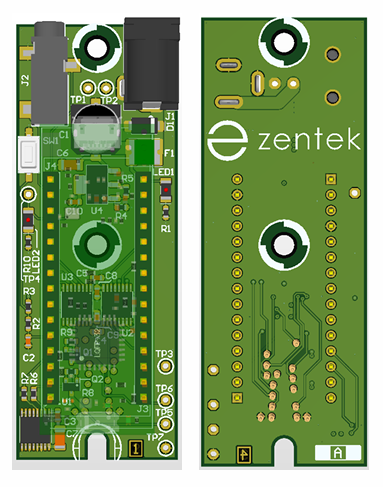
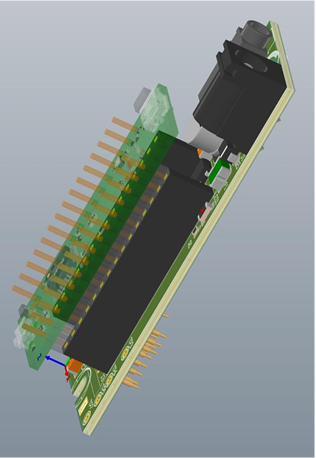
Here’s how we worked through this transition step by step.
Next log, next step !

Create an account to leave a comment. Already have an account? Log In.
one small question.
how print one pixel on paper? Any idea PCL? direct instructions?
Merci ! C'est la première version, je vais bientôt poster les nouvelles :)
Très belle réalisation ! La partie mécanique est vraiment super propre....
Become a member to follow this project and never miss any updates
About Us Contact Hackaday.io Give Feedback Terms of Use Privacy Policy Hackaday API Do not sell or share my personal information
If you want to have some news check out our CrowdSupply campaign : https://www.crowdsupply.com/open-tools/open-printer/