Close
0%
0%

Sash: A Standalone A2 Polargraph Drawing Machine

A wall plotter built on an old drawing board: belts and counterweights in pipes, self-homing, SD-card standalone.

Similar projects worth following
Sash is a wall-mounted pen plotter for sheets up to A2. Two NEMA 17s pay out GT2 belts to a bearing-mounted gondola; counterweights inside two 43 mm pipes keep the belts taut and press limit switches to home it. It runs Marlin 2.1 in polargraph mode on a Mega + RAMPS 1.4, prints from an SD card with its own screen and knob, and is fed by Sash Studio, a single offline HTML file that turns photos, patterns and CAD (DXF/PDF/SVG) into G-code. I am an architect, but I didn’t build this to draw buildings, it’s more to have fun.

Why another polargraph. Most wall plotters I found were tethered to a laptop, homed by hand, and left their belt slack dangling. I wanted something that behaves like an appliance: switch on, home, choose a file, walk away.

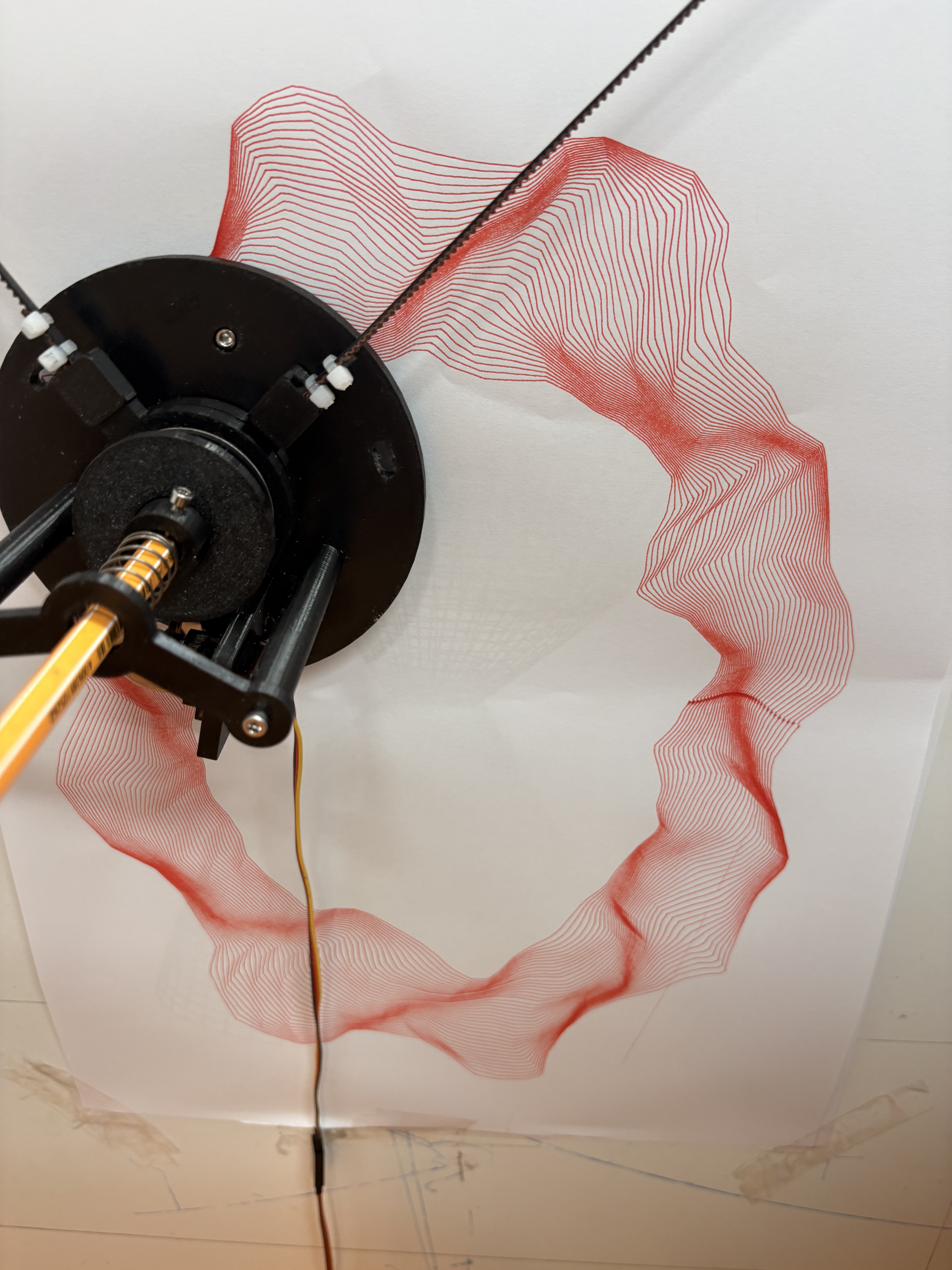
Mechanics. The board is my old 650 × 920 mm drawing board. The motors sit on printed brackets at the top corners. Each belt goes over a 20T pulley, with one side down to the gondola and the other into a vertical 43 mm dia. pipe, where a counterweight hangs. The weight takes the static load, so the motors only work against the difference. It also keeps the slack out of sight (which is not necessarily a good thing, as it's kind of beautiful)  The gondola uses a 6806 thin-section bearing so both belt arms rotate about the pen axis, which means belt tension always acts at the nib. The pen is spring-loaded through a sleeve and lifted by an MG90S with standard servo tine (I think its called the tine) 

Homing. The counterweight heads press mechanical limit switches on the pipe collars (X_MAX and Y_MAX, inverted logic). Marlin homes each belt axis in turn by releasing belt until its weight trips the switch. The home position is then a known pair of belt lengths, and Marlin's polargraph kinematics take it from there.

Electronics. Mega 2560, Hailege RAMPS 1.4, HR4988 drivers at 1/16 stepping (R10 sense resistors, Vref 0.48 V ≈ 0.6 A), 12 V 5 A supply, and a buck converter to 5 V for the servo. The full-graphic 12864 with SD runs everything at the machine, all in a printed enclosure on the board's top edge.

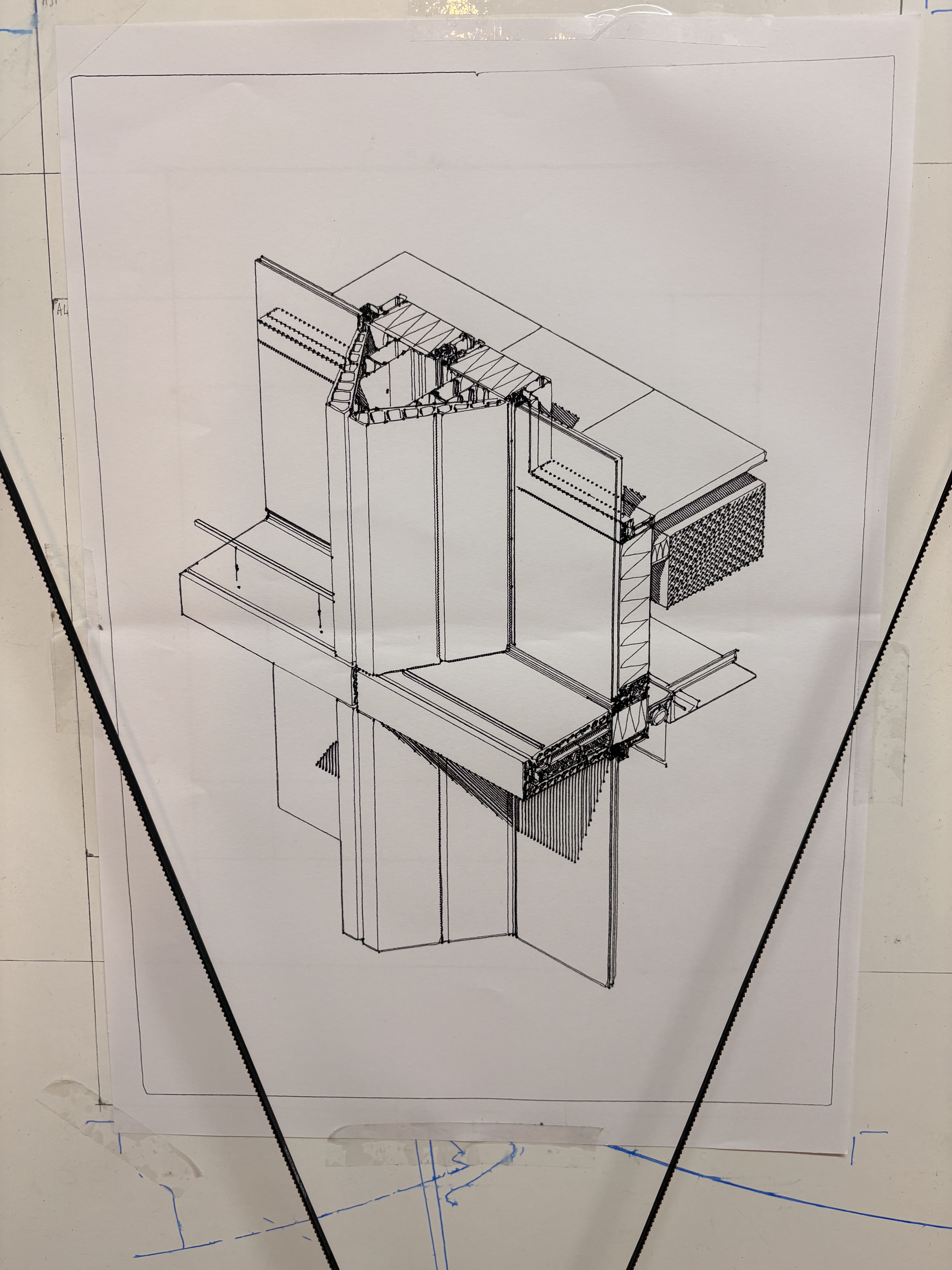
Software. Sash Studio is a single HTML file, about 1.5 MB. It imports DXF, PDF and SVG linework by walking the vector paths, so a PDF plotted from CAD comes in at true paper scale with layers split by colour and line weight. It also converts photos to twelve line styles, generates parametric patterns, previews pen motion, sorts paths to minimise pen-up travel, and writes the G Code. 

Solid fills. CAD PDFs export solid hatches as thousands of tiny triangles (one drawing I tested had 5,067). Studio unions them per colour with a scanline pass, then fills the result with parallel lines at pen-width spacing, joined into zig-zags to save pen lifts. The hatching happens after scaling, so the spacing is right on the paper at any size.

Honesty section. Sash was designed with Claude (Anthropic's AI assistant): the setting-out, the parts as code, the wiring documentation, the firmware config and Studio. I built it. The build logs below include the AI's mistakes as well as mine.

Links

robertsalmon.ie/maker/sash (project page)

robertsalmon.ie/eggs/apps/sash-studio (Sash Studio, runs in the browser)

Instructables: the full build

Instagram: @rob_salmon_architect

Components

2 × NEMA 17 17HE15-1504S

2 × GT2 20T pulley, GT2 6 mm belt

Arduino Mega 2560 R3

RAMPS 1.4 + 2 × A4988 (HR4988)

RepRap full-graphic 12864 LCD with SD

MG90S micro servo

2 × mechanical endstop

12 V 5 A PSU, DC-DC buck converter

6806-2RS bearing, 

2 × 43 mm pipe, counterweights

PETG printed parts (23)
03 Firmware.zip

x-zip-compressed - 9.47 MB - 10/17/2026 at 15:57

Download

README.txt

plain - 9.62 kB - 10/17/2026 at 15:56

Download

README.txt

plain - 9.62 kB - 10/17/2026 at 15:56

Download

SASH_09_skid.stl

Standard Tesselated Geometry - 650.08 kB - 10/17/2026 at 15:54

Download

SASH_21_box-bracket.stl

Standard Tesselated Geometry - 52.04 kB - 10/17/2026 at 15:54

Download

View all 55 files

  • 1 × Refer to Uploaded Files for Full Component List

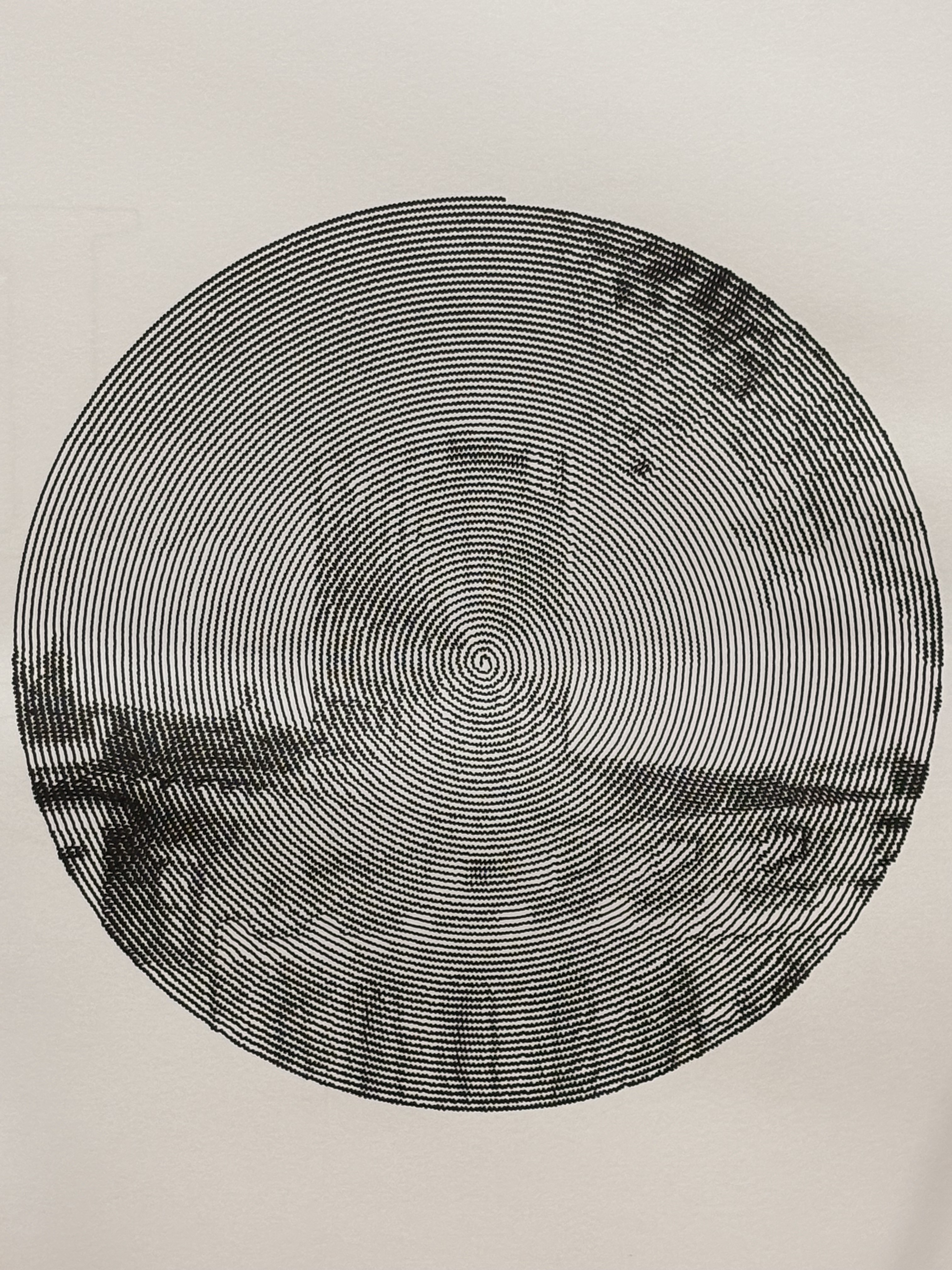
  • Self Portrait!

    Robert Salmon • 10/23/2026 at 13:35 • 0 comments

    Sash draws himself… perhaps speed is the issue with the lettering, to be tuned in software and retested!

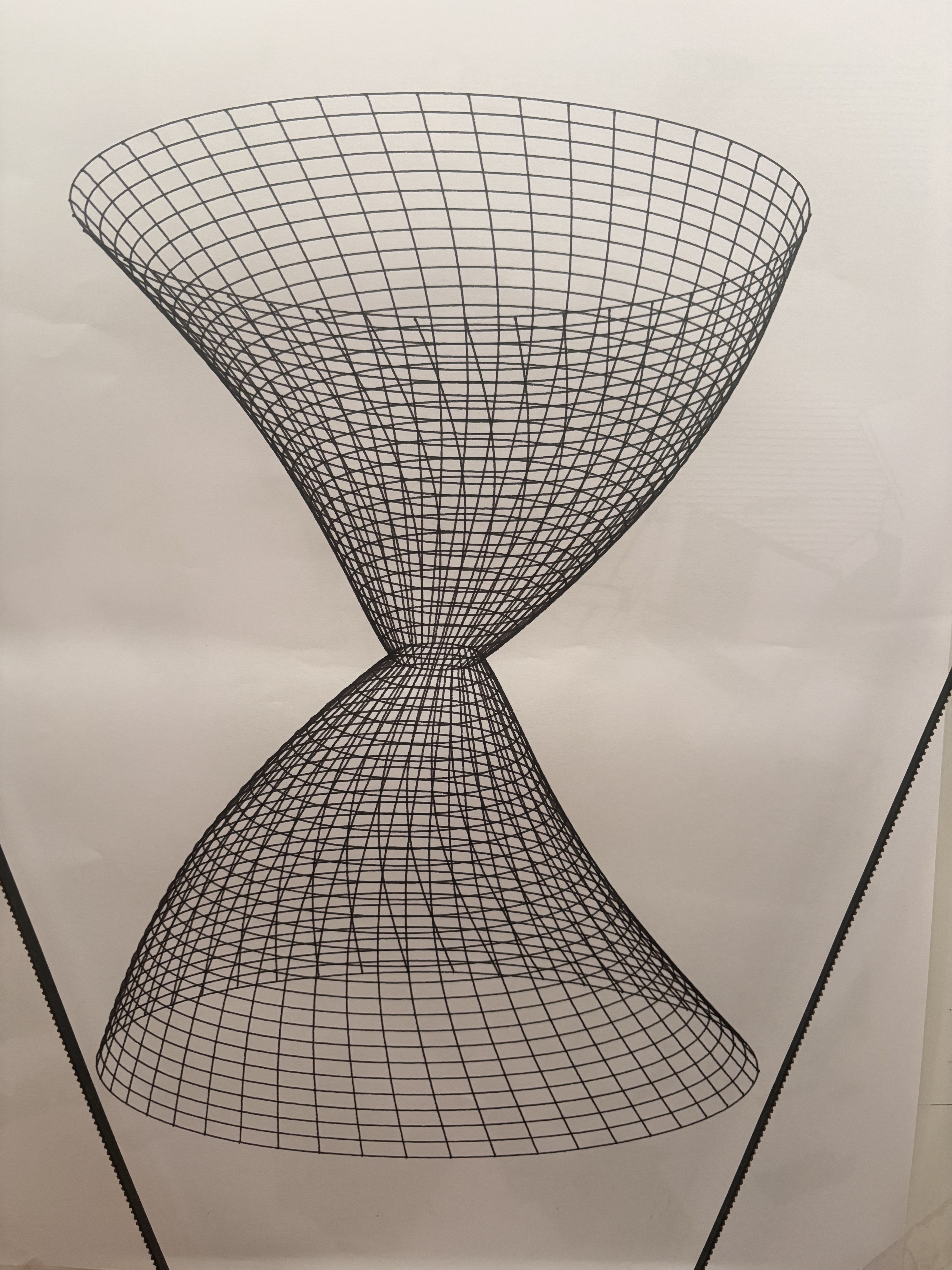
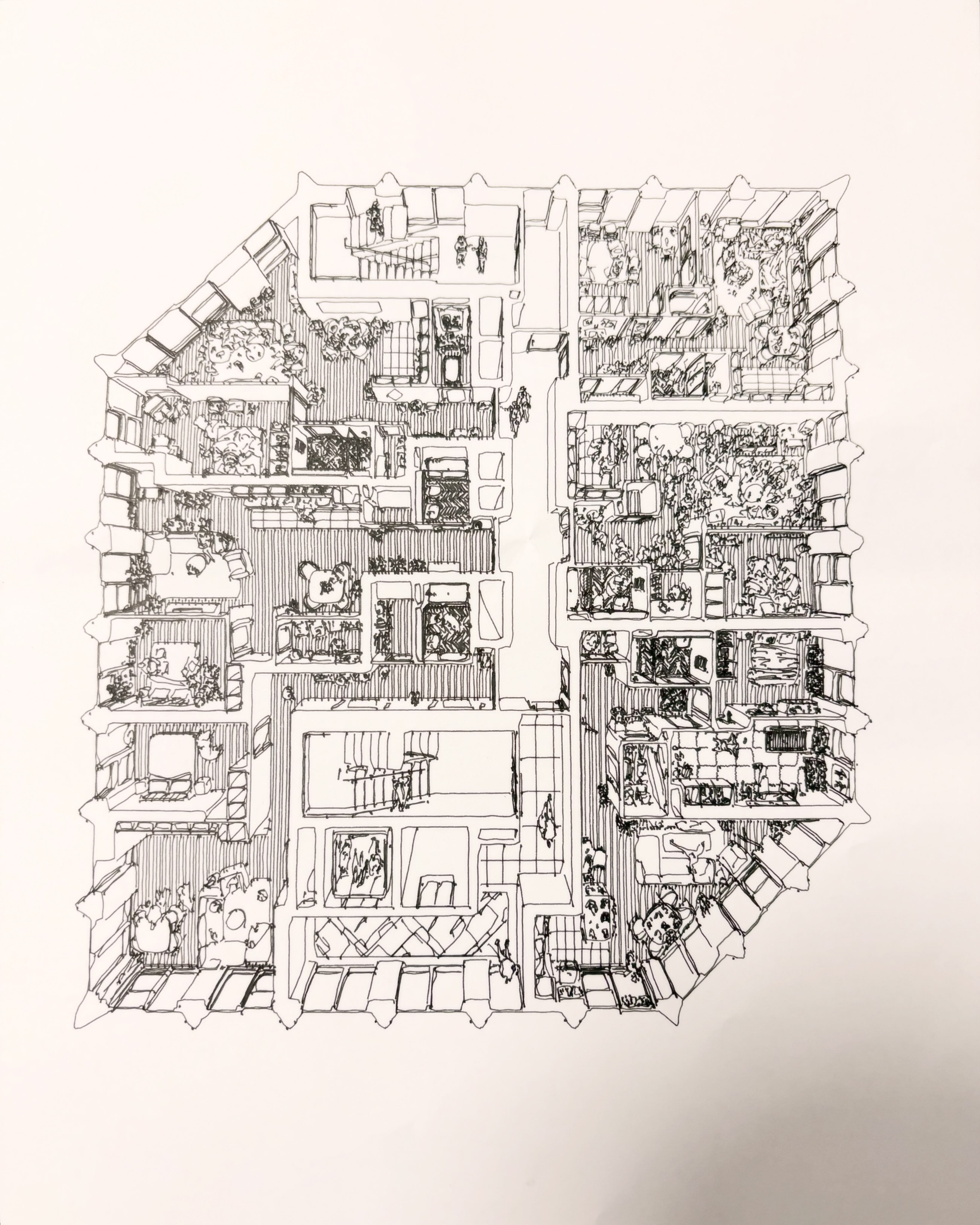
  • And The Drawings…

    Robert Salmon • 10/18/2026 at 19:50 • 0 comments

    and of course, the drawings: 

  • Flash Before You Power

    Robert Salmon • 10/17/2026 at 19:00 • 0 comments

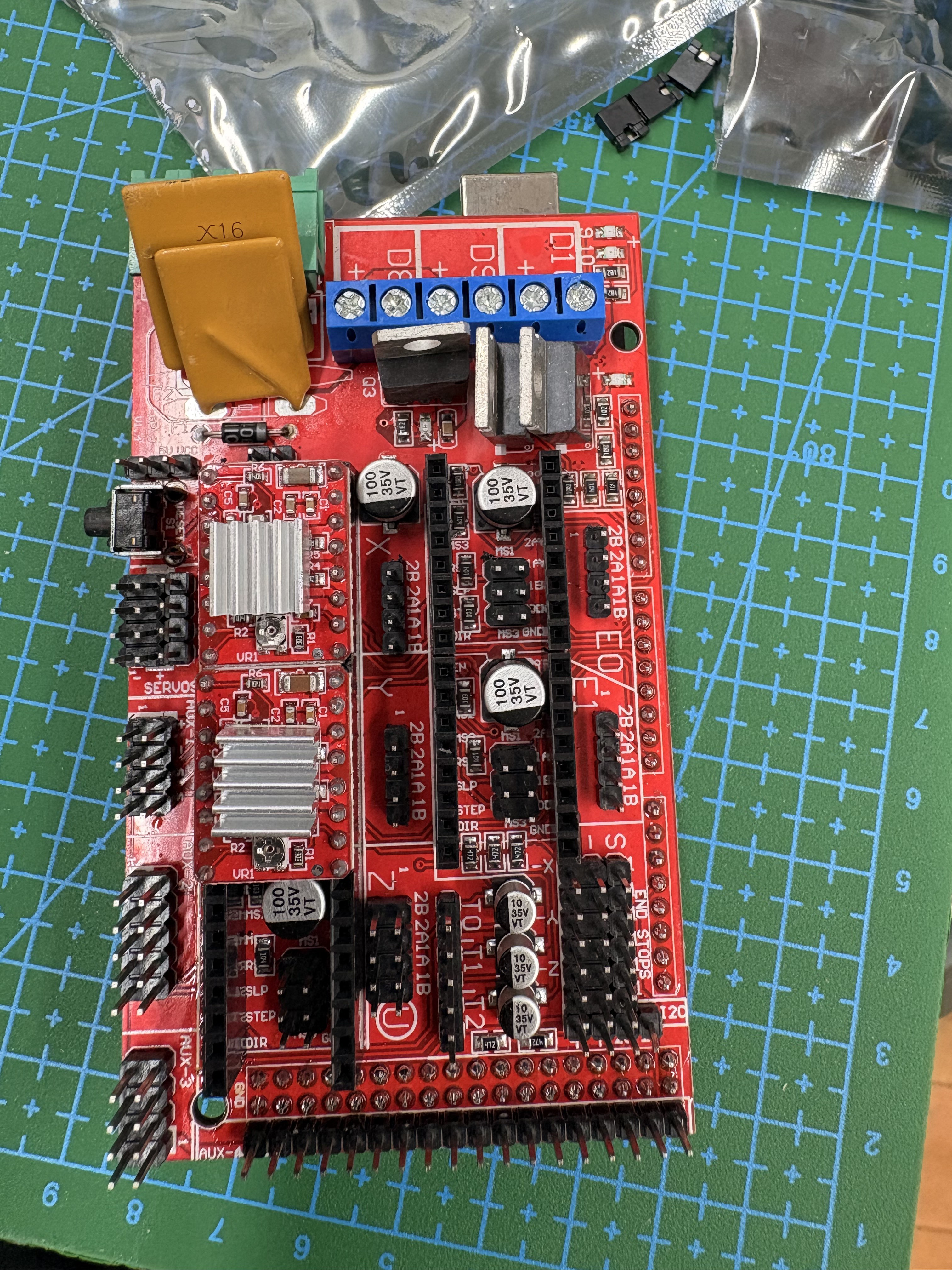
    First power-up: a smell, and heatsinks too hot to touch within seconds. Nothing was wrong with the wiring. A factory-fresh Mega runs a demo sketch, and on a RAMPS that sketch enables the drivers with no current set. Flash the firmware over USB first and only then connect 12 V. After flashing and setting Vref to 0.48 V the heatsinks ran cold. Cheap lesson; it could have been two dead drivers.

    And here’s the funny part, two weeks ago, I had no idea what any of that meant … maybe a vague idea of a what a heat sink is .. maybe! 

    Pictured above, the heat sinks… why are they both facing in different directions … a mistake, a victimless crime!

  • A note on AI Use

    Robert Salmon • 10/17/2026 at 16:04 • 0 comments

    I am an Architect, and by no means an expert in electronics, and was completely out of my comfort zone designing and building this project. One of the beautiful things about AI, is that it enables us to do things that once upon a time, we could not do. Like Schrodingers cat, its possible for two states to exist at the same time. The beauty is balanced with sadness, a fear of a society with lost skills. With great power comes great responsibility...and all that. Having said that, I finished this build able to do things I couldn’t do a week ago:  re-pin a motor plug, flash firmware, use a multimeter.So, for a hobbyist making benign, personally cathartic things, AI is at times one of the most powerful tools in the workshop. And that's it... for now, for me, a tool, that lets me do things, that once were beyond my reach.

View all 4 project logs

  • 1
    Refer to the build instructions, in uploaded Files.

    Refer to the build instructions, in uploaded Files. 

View all instructions

Enjoy this project?

Share

Discussions

Does this project spark your interest?

Become a member to follow this project and never miss any updates