Close
0%
0%

Artemis SBS controlled Lights

Basics on how to get Artemis to control an RGB LED strip

Similar projects worth following
This project is only for the RGB LEDs Will add details to the right place later, hopefully.

Module I: Artemis -> LED strip

Hardware and Sources (as of 9/16/14):

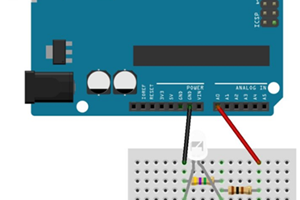
Schematic:

http://123d.circuits.io/circuits/403726-dmx-to-rgb-led

Module I: Software

See github.

Notes:

The output channels of Artemis and the read channels are the Arduino are NOT the same. There seems to be an off-by-three error somewhere.
  • 1 × Arduino Pro Mini 328 - 5V/16MHz https://www.sparkfun.com/products/11113
  • 1 × FT231X Breakout https://www.sparkfun.com/products/11736
  • 1 × Set of 40 Header Pins https://www.sparkfun.com/products/116
  • 3 × 1kOhm Resistors
  • 3 × NPN Transistors I used TIP120s from Radioshack [MPS 222A is too small] http://www.adafruit.com/datasheets/TIP120.pdf

View all 10 components

  • 1
    Step 1

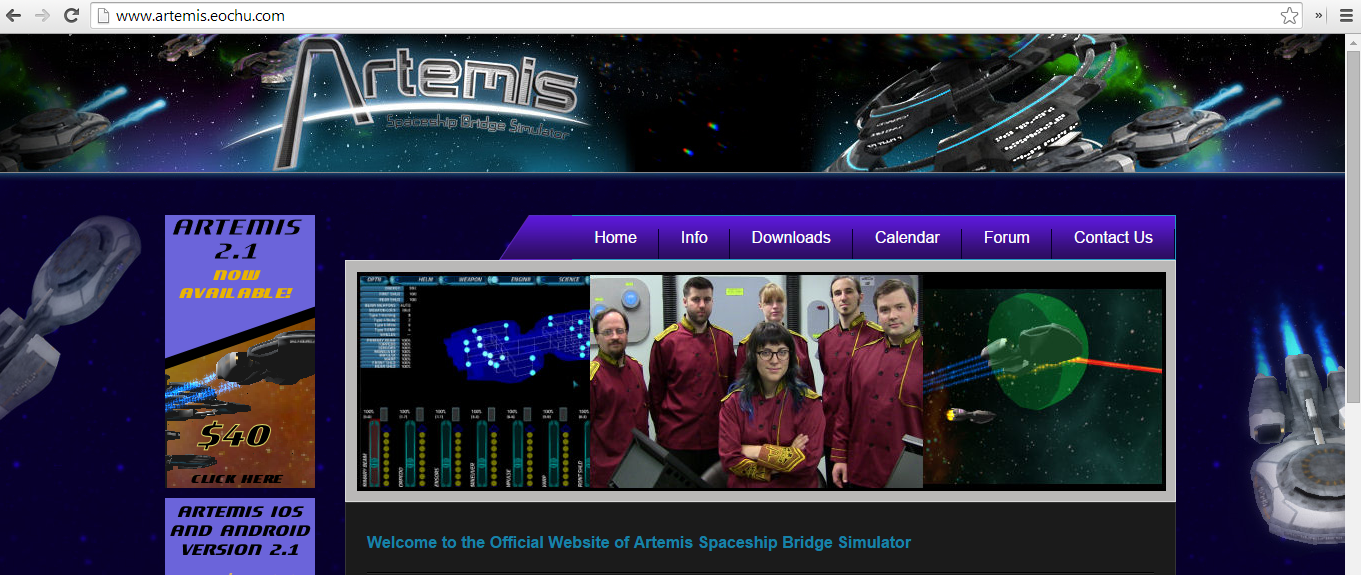
    Download and install Artemis Spaceship Bridge Simulator game and the Arduino IDE if you haven't already. I am basing this off of Artemis 2.1

  • 2
    Step 2

    Download and install the DMXSerial library for Arduino from http://www.mathertel.de/Arduino/DMXSerial.aspx

  • 3
    Step 3

    Attach the Pro Mini and FTDI board end to end. I was confused how to attach, but they just go together and work.

View all 8 instructions

Enjoy this project?

Share

Discussions

Similar Projects

Does this project spark your interest?

Become a member to follow this project and never miss any updates