nick.r.brewer
-
Software
08/17/2016 at 20:19 • 0 commentsThis Frederick Vandenbosch's blog post was a huge help.
http://frederickvandenbosch.be/?p=1701
Follow the steps. It's not as daunting as it looks.
This is also a really great guide to getting the USB Audio card up and running.
http://asliceofraspberrypi.blogspot.com/2013/02/adding-audio-input-device.html
-
Full Build Log
08/17/2016 at 20:11 • 0 comments![]()
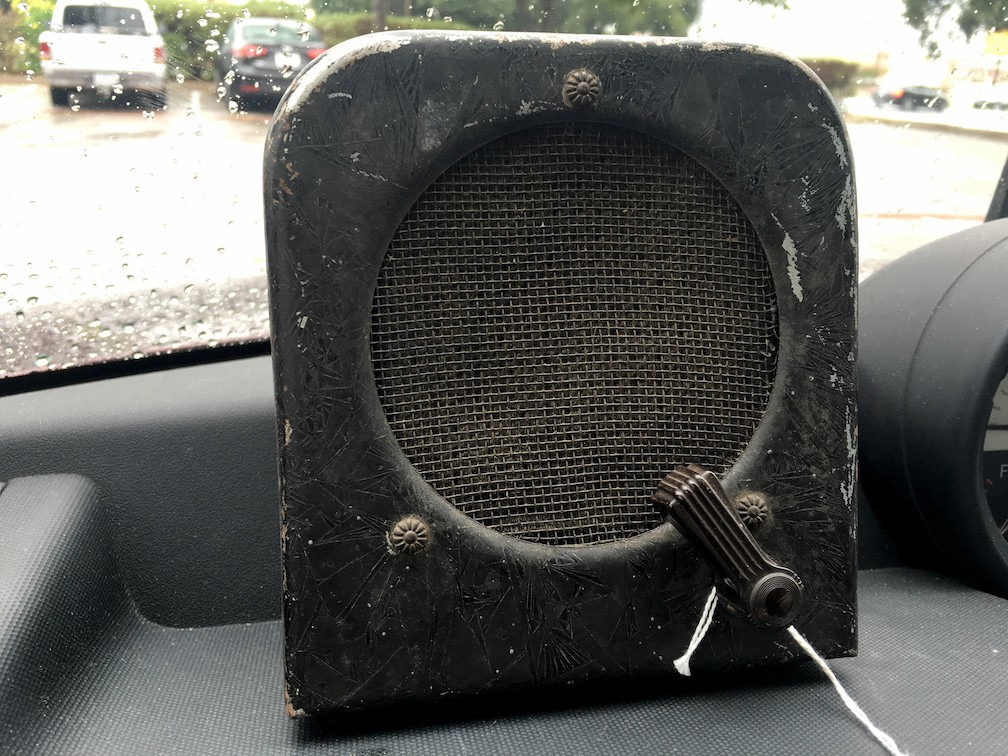
I'm guessing this thing is about 70 years old, but honestly I have no idea. Picked it up for about $20 at a local antique mall.
![]()
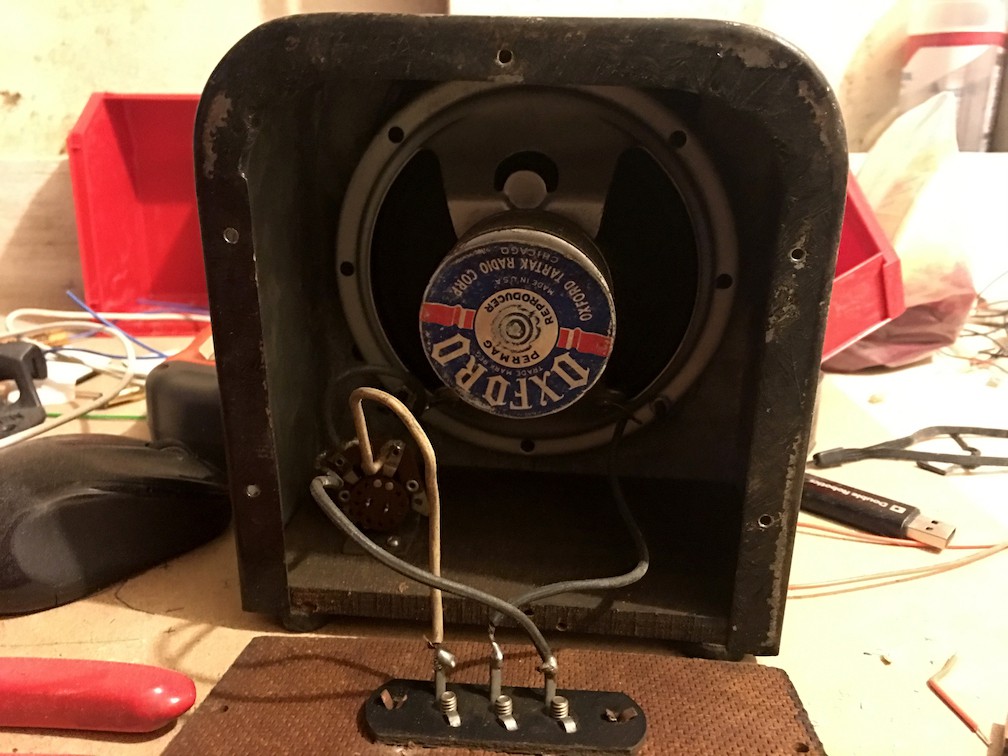
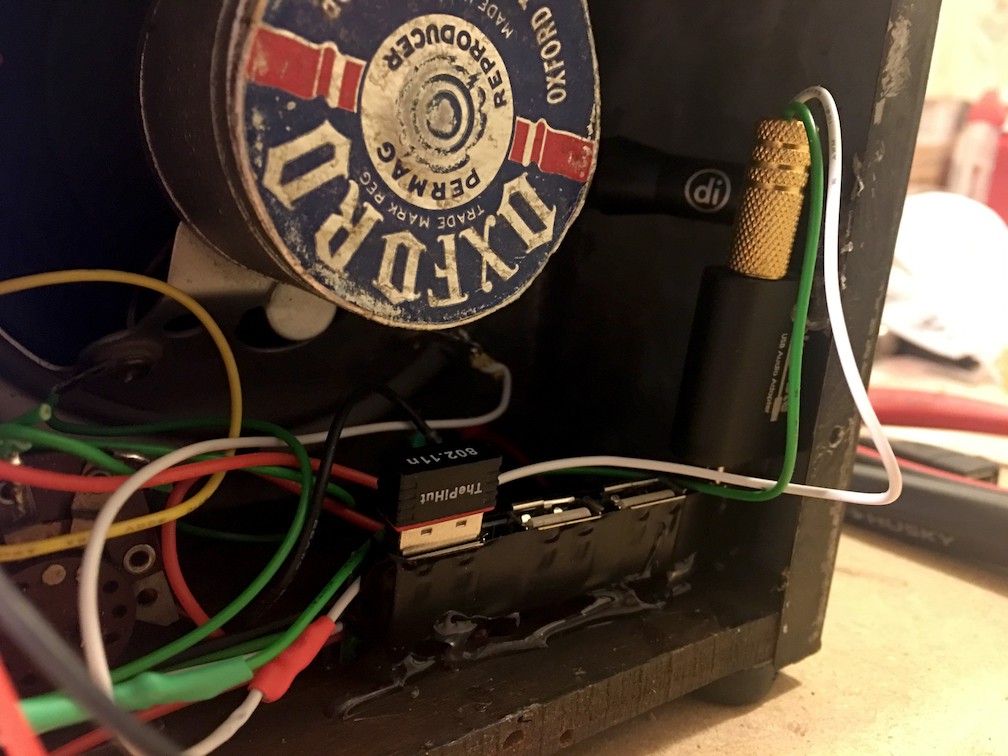
The inside is very simple. A 2-position switch flips the speaker into a microphone and back.
![]()
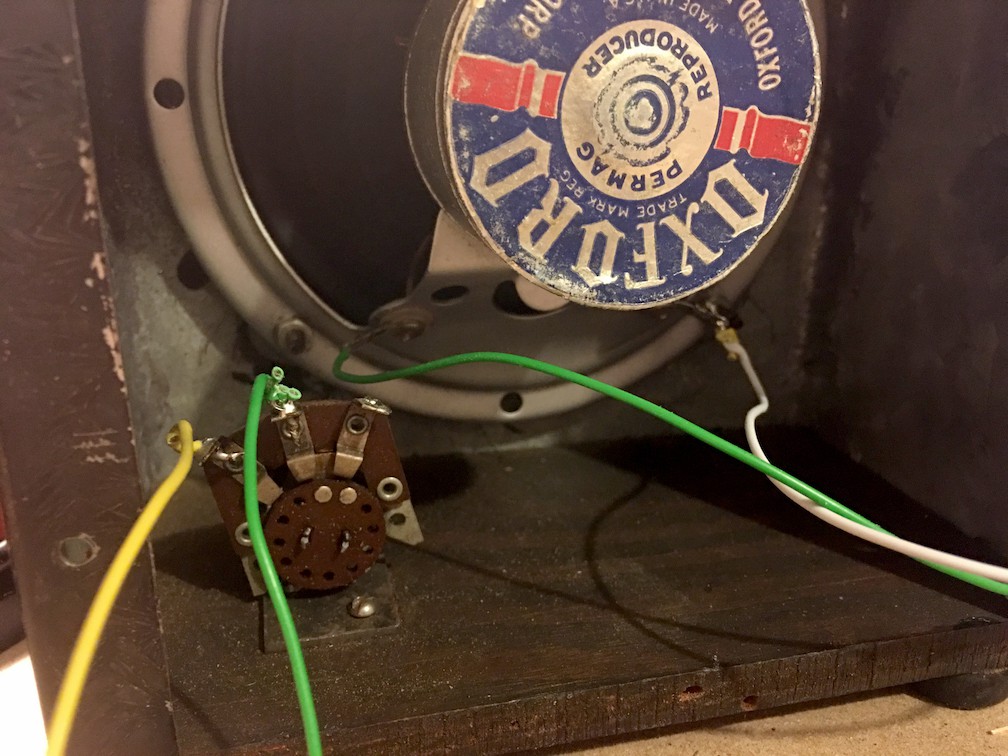
Decided to just wire the speaker and use one position of the switch to activate Alexa.
![]()
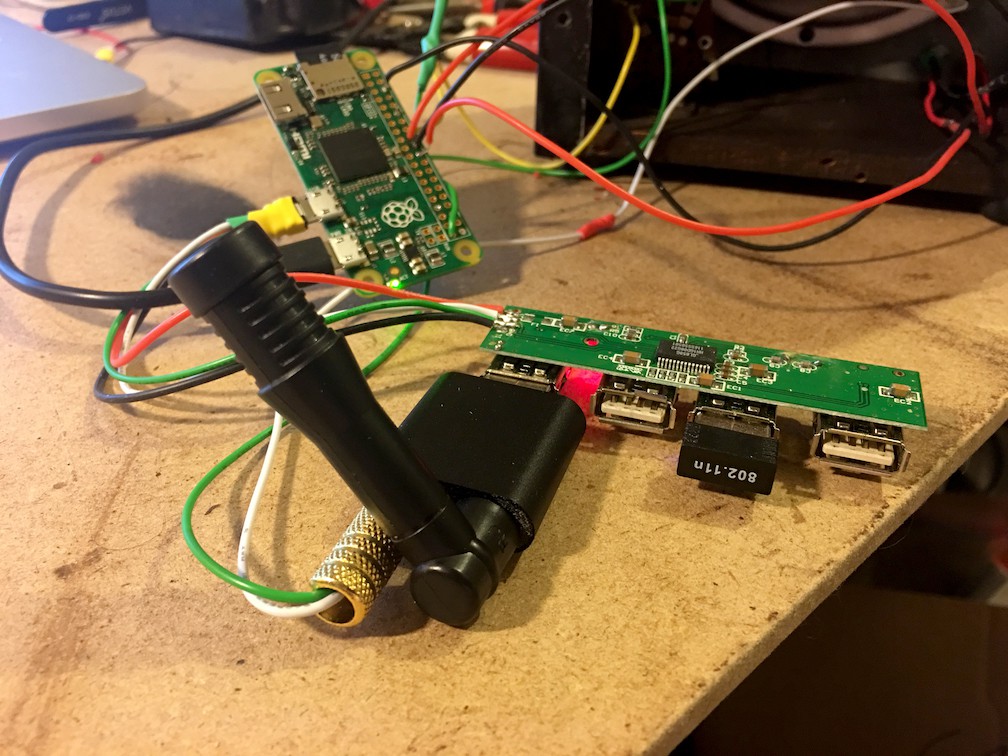
Parts List
- Old Intercom
- Raspberry Pi Zero
- USB Sound Card
- External Mic (the speaker/microphone didn't play nice with the sound card)
- USB Hub
- Wifi Dongle
- Two LEDs
![]()
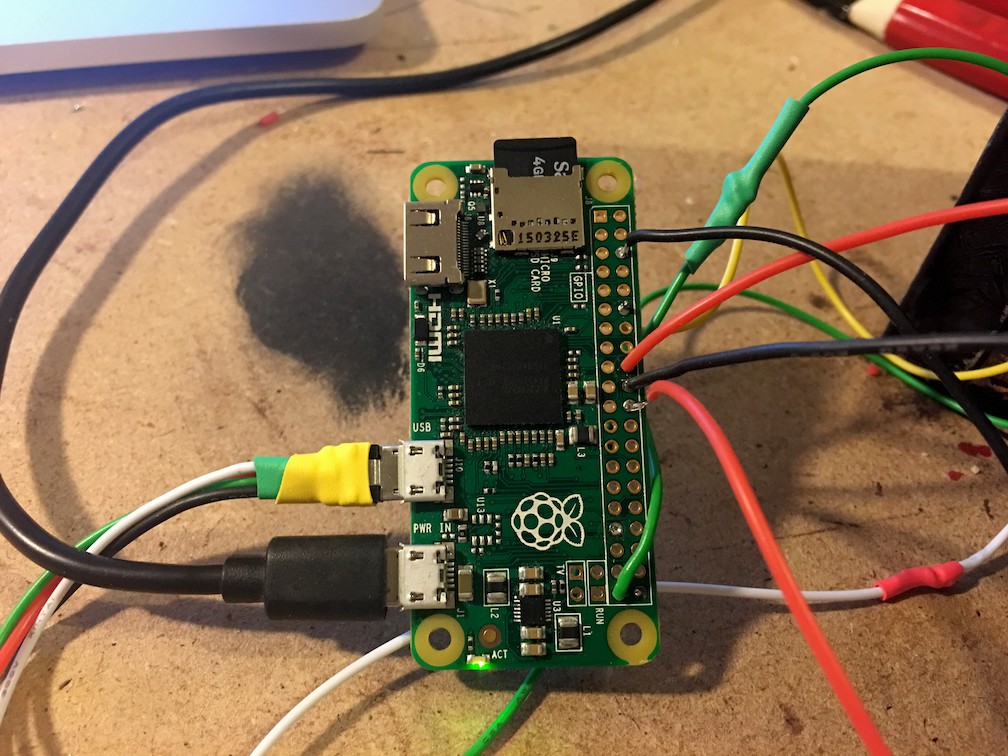
Wiring was pretty simple. I modified the USB hub's plug to a usb micro plug to cut down on space.
![]()
The microphone is positioned right behind the speaker. Talk towards the box, push the switch up and Alexa begins listening.
![]()
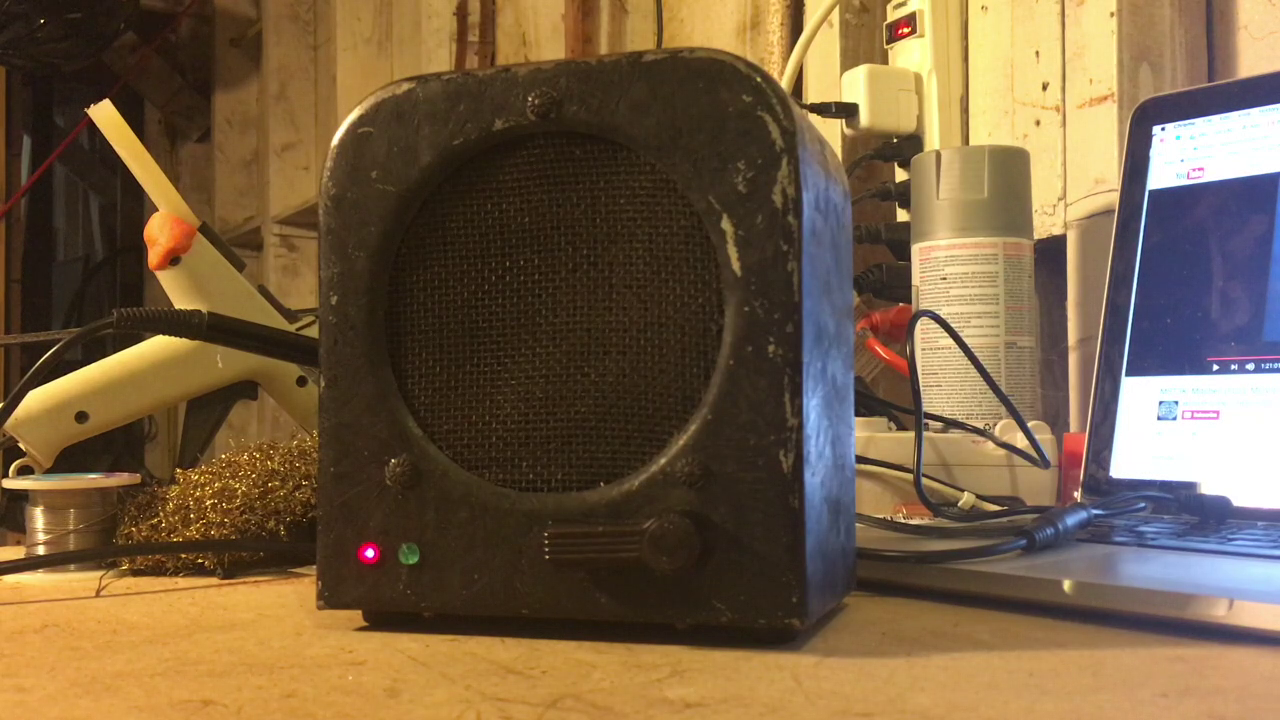
Here's the final product. I used the smallest LEDs I could find because I wanted it to look as stock as possible.
50s Intercom Raspberry Pi Echo
Turned an antique intercom into an Amazon Echo