Close
0%
0%

G-EDM

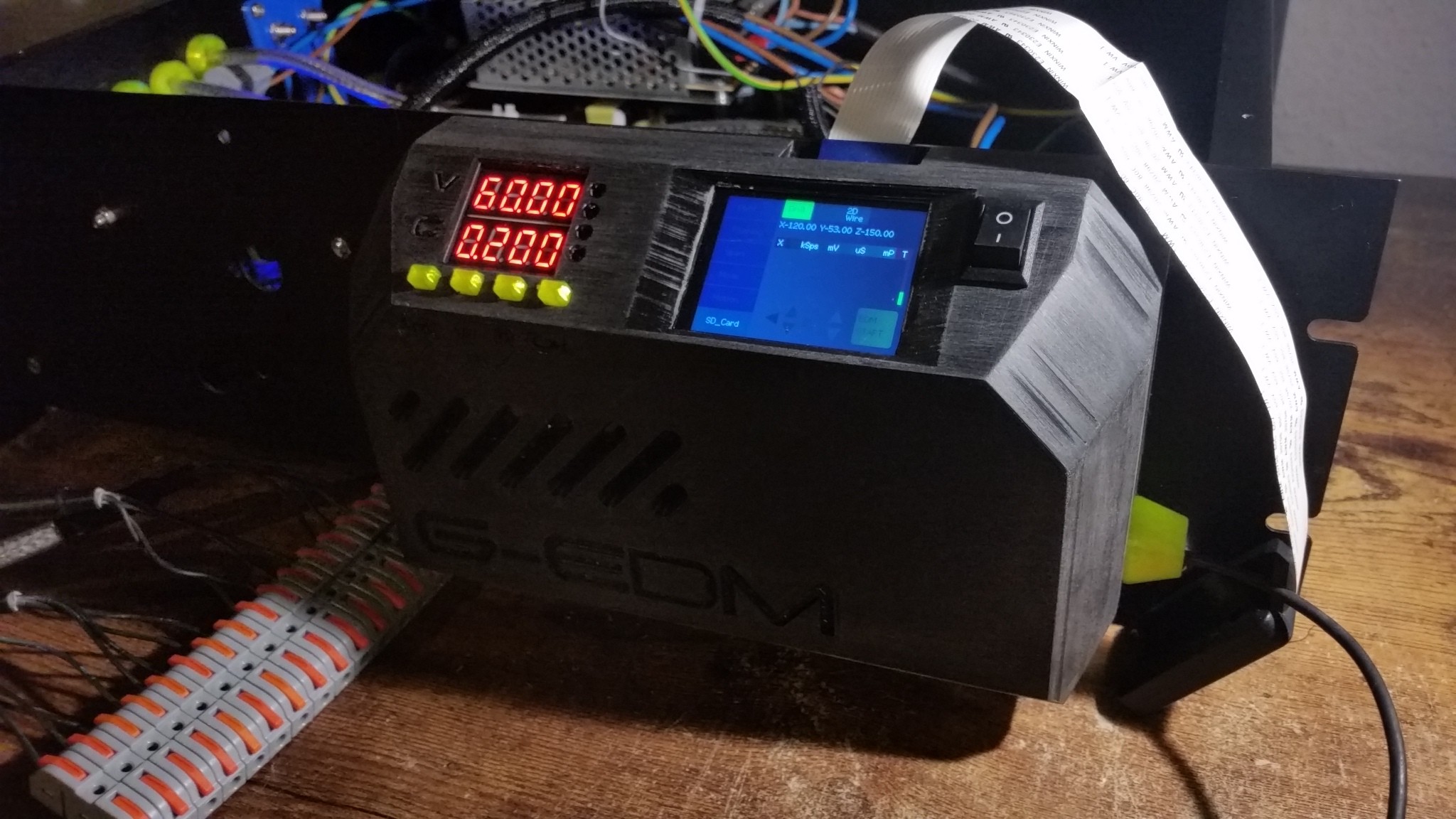
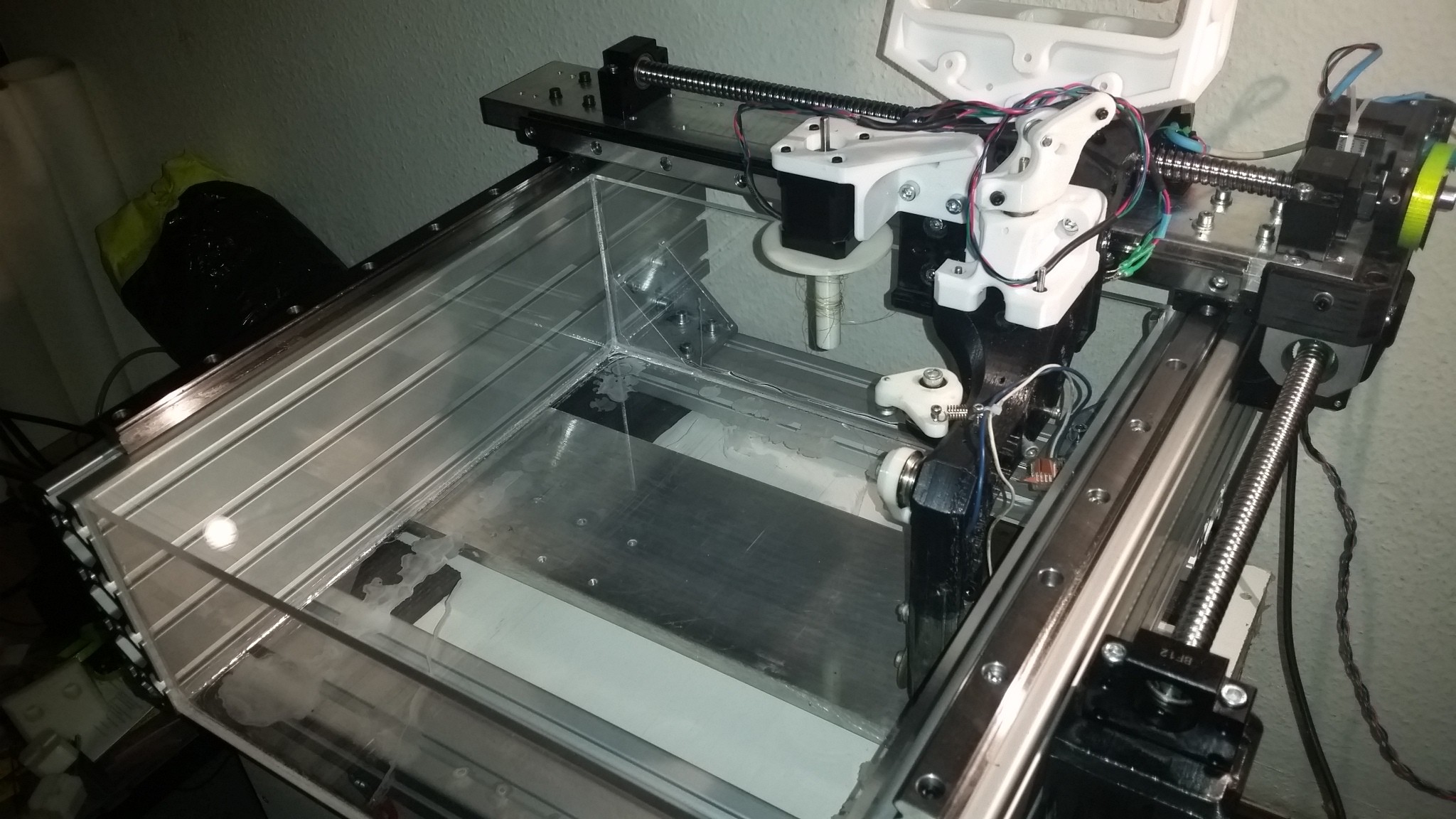
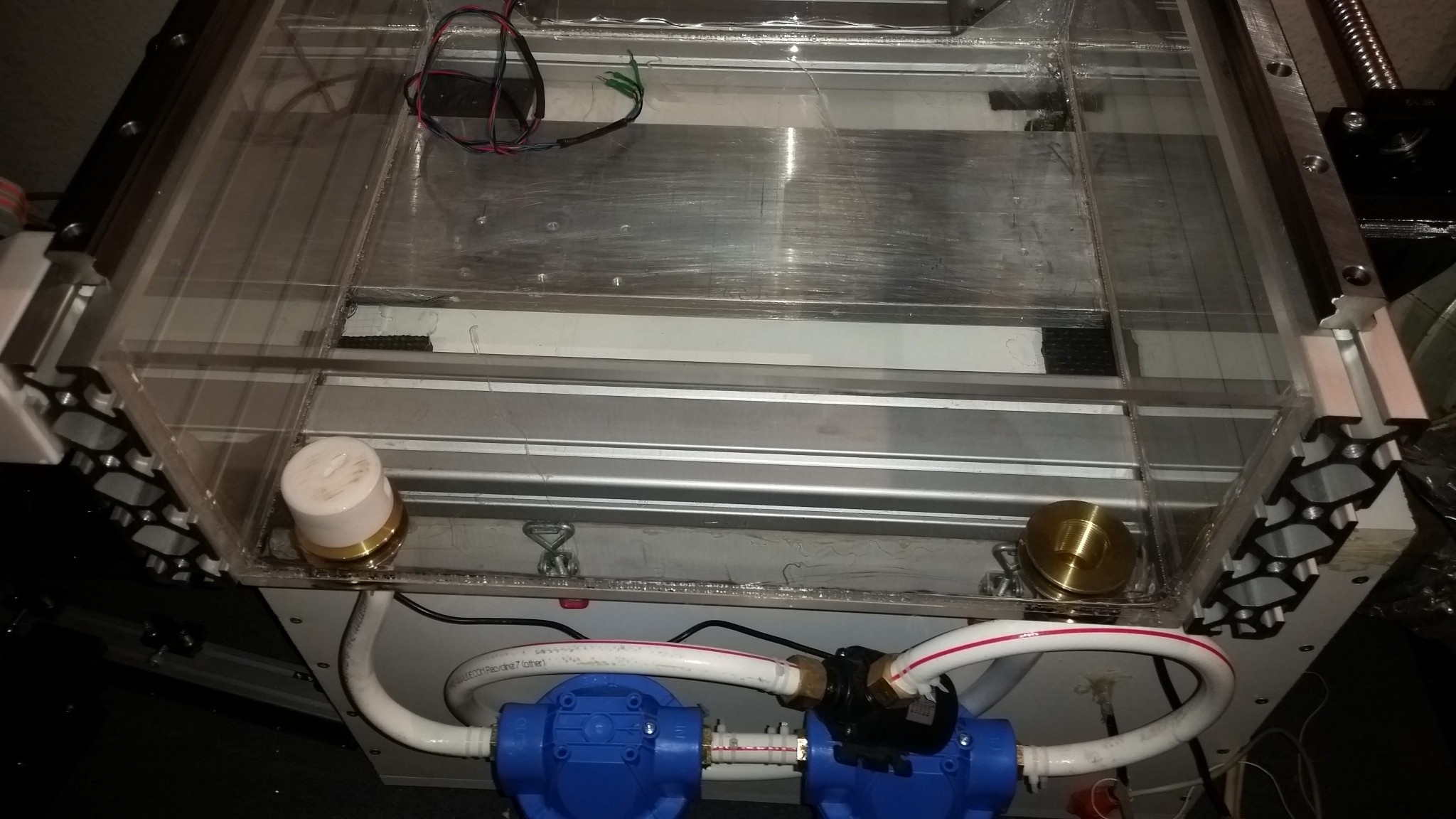
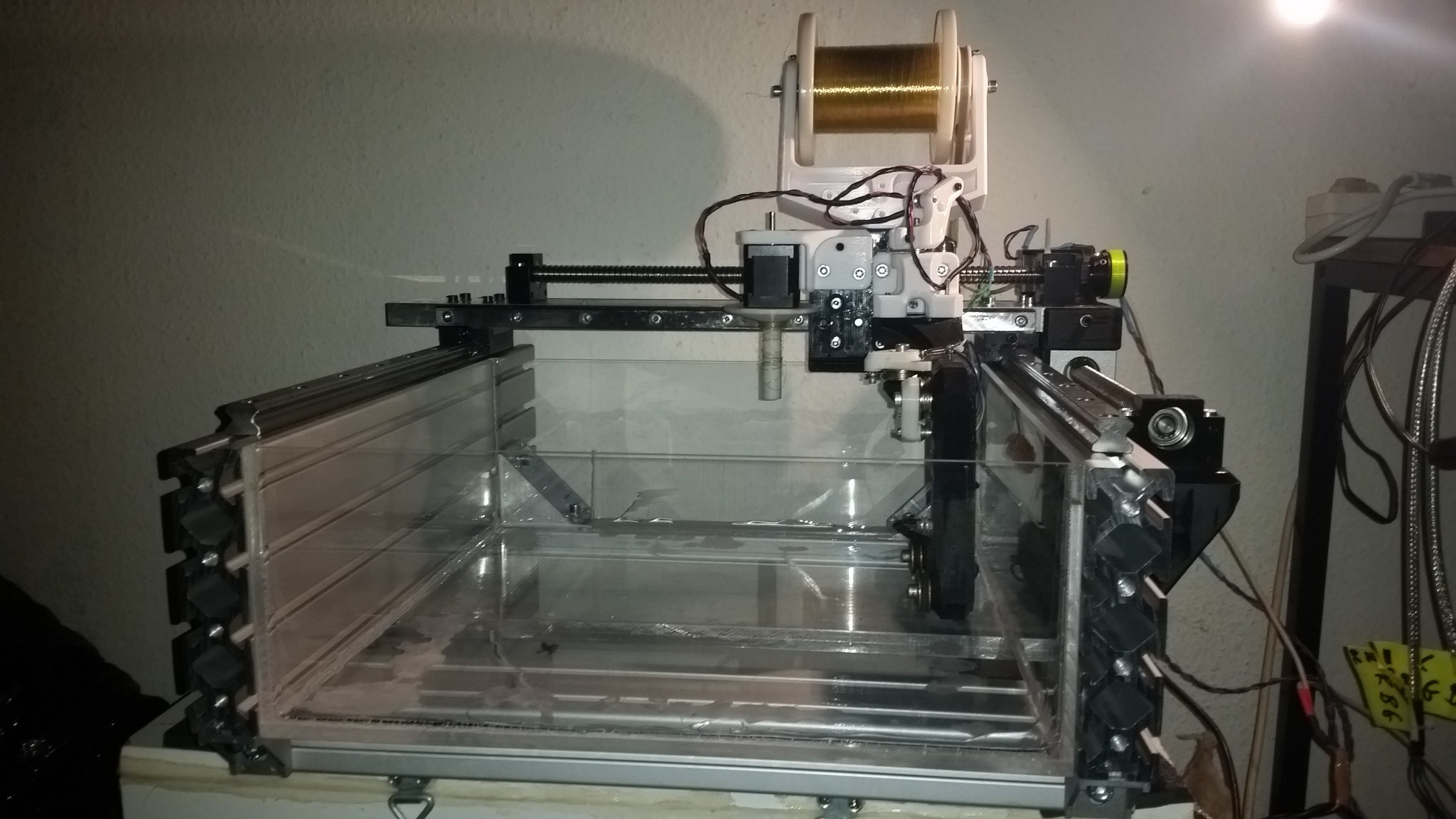
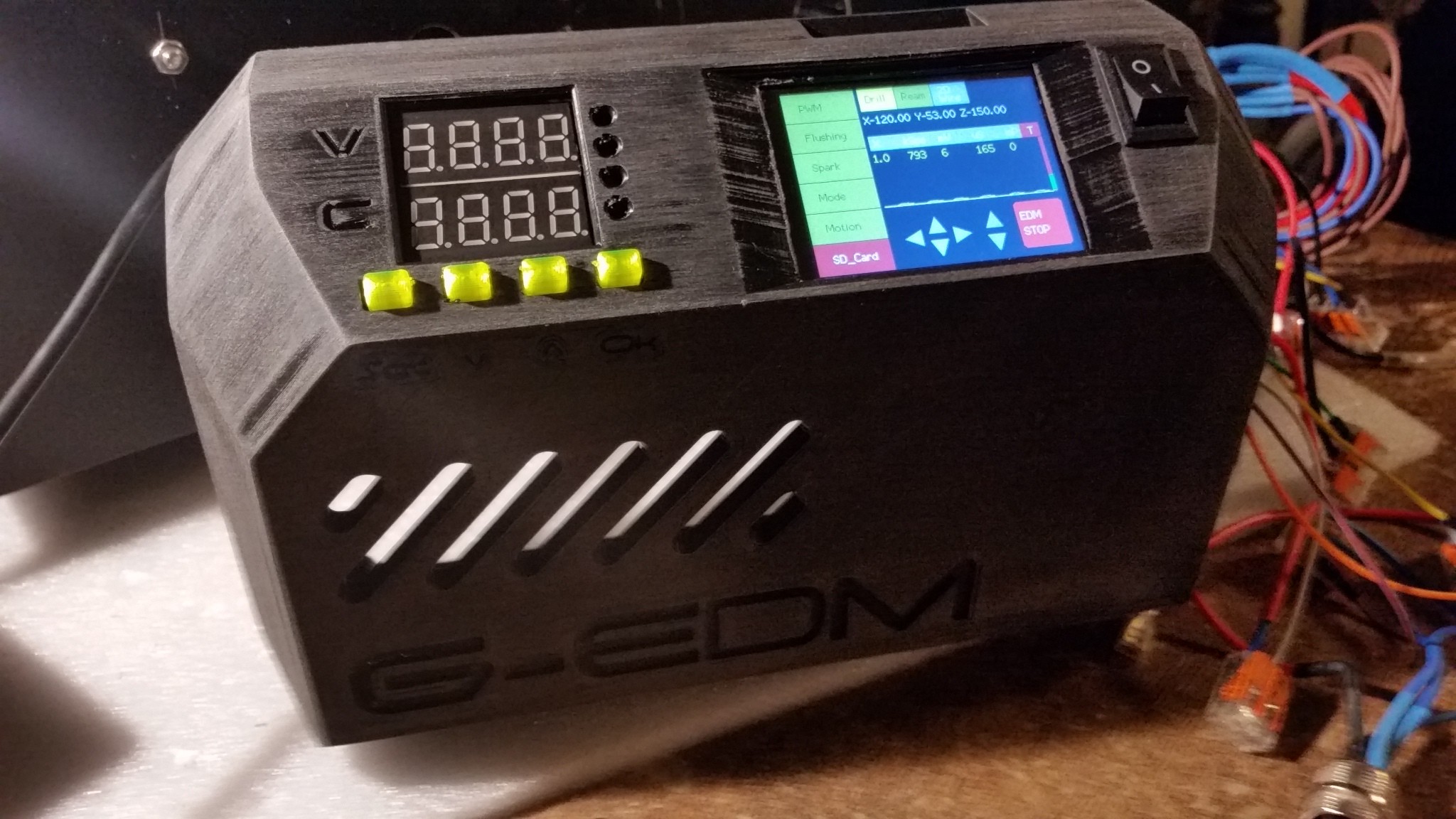
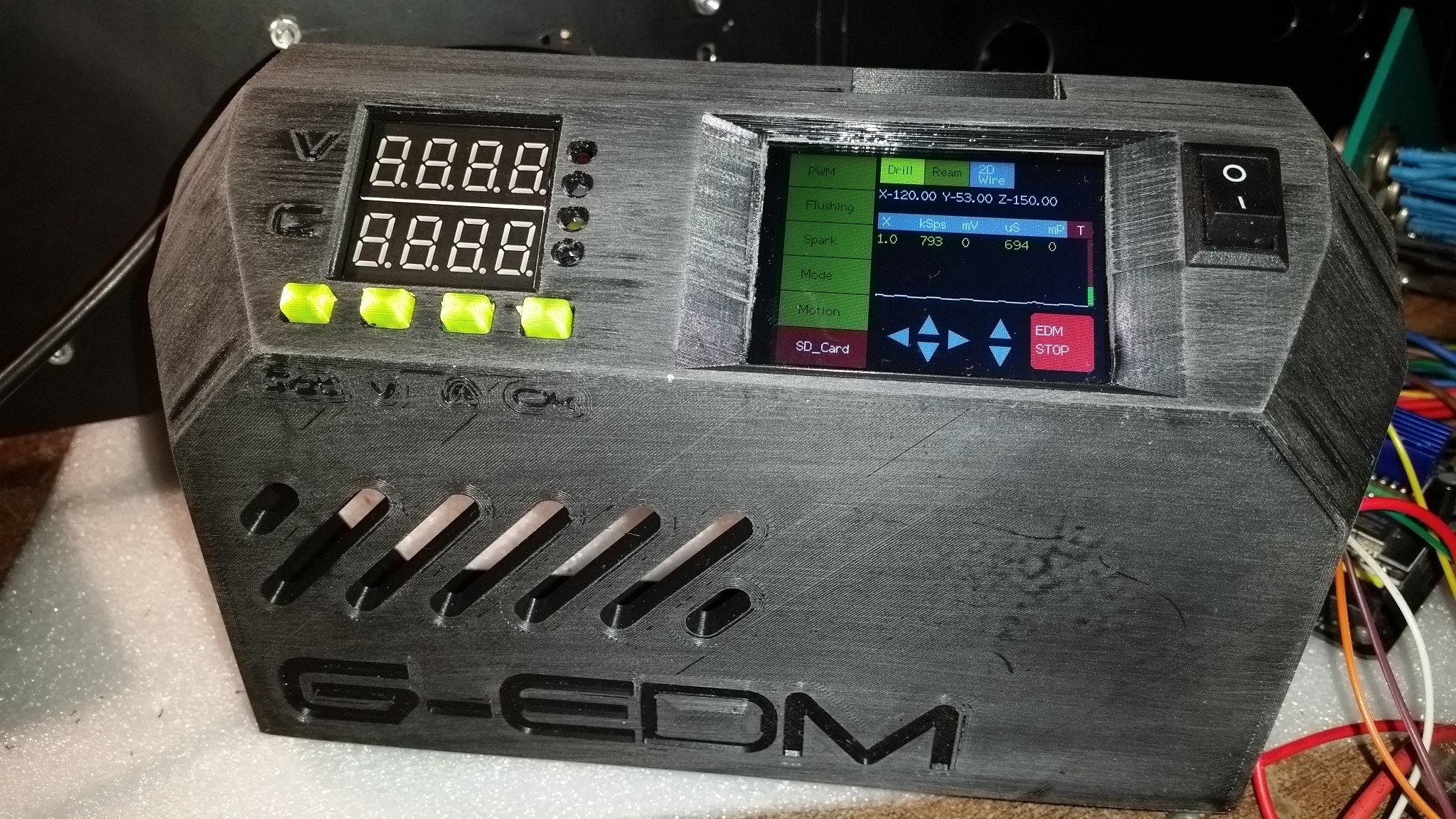
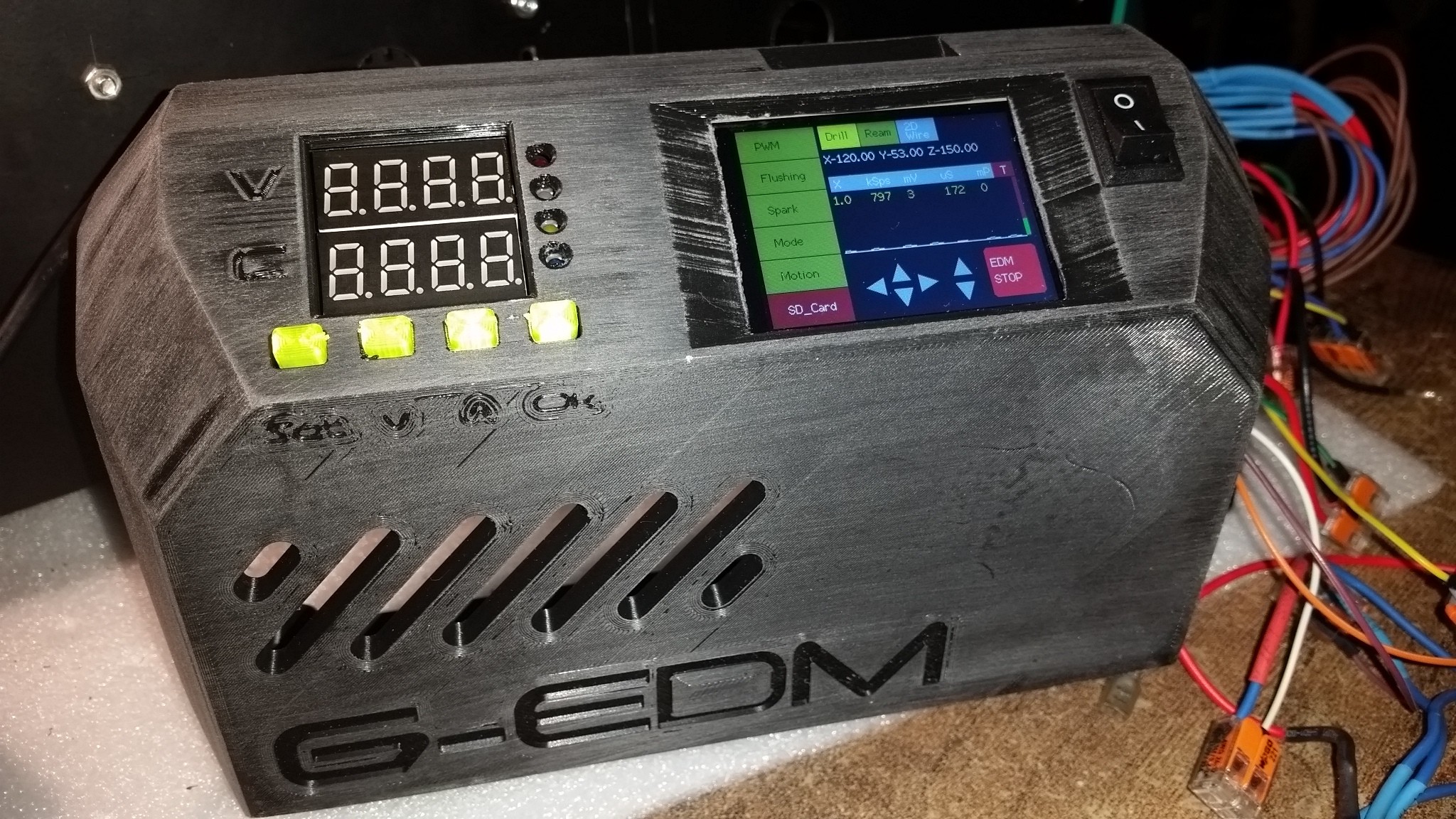
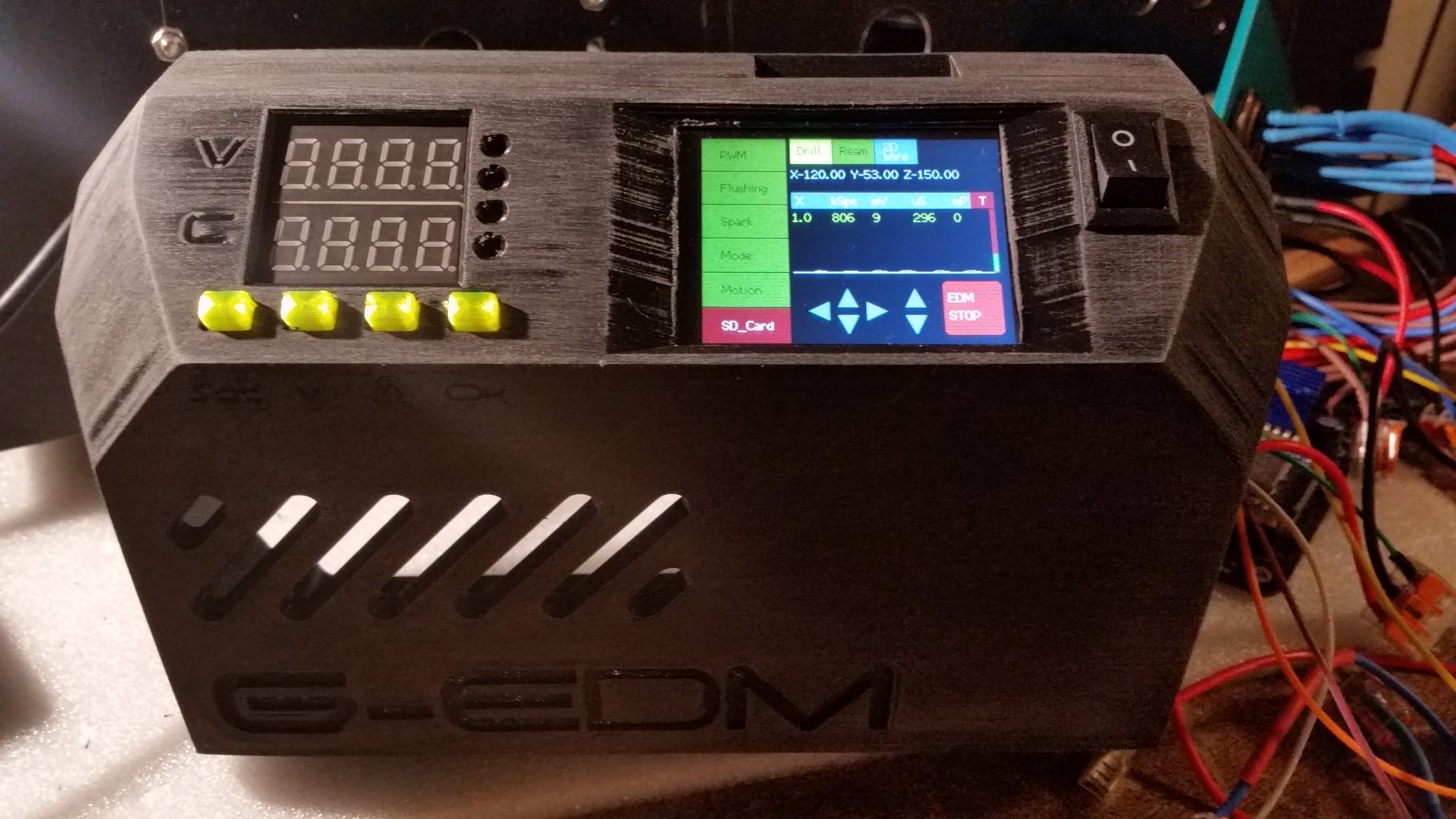
The G-EDM is an electrical discharge machine that supports sinker EDM, EDM engraving, EDM drilling and Wire EDM operations. #Drahterodieren

Similar projects worth following
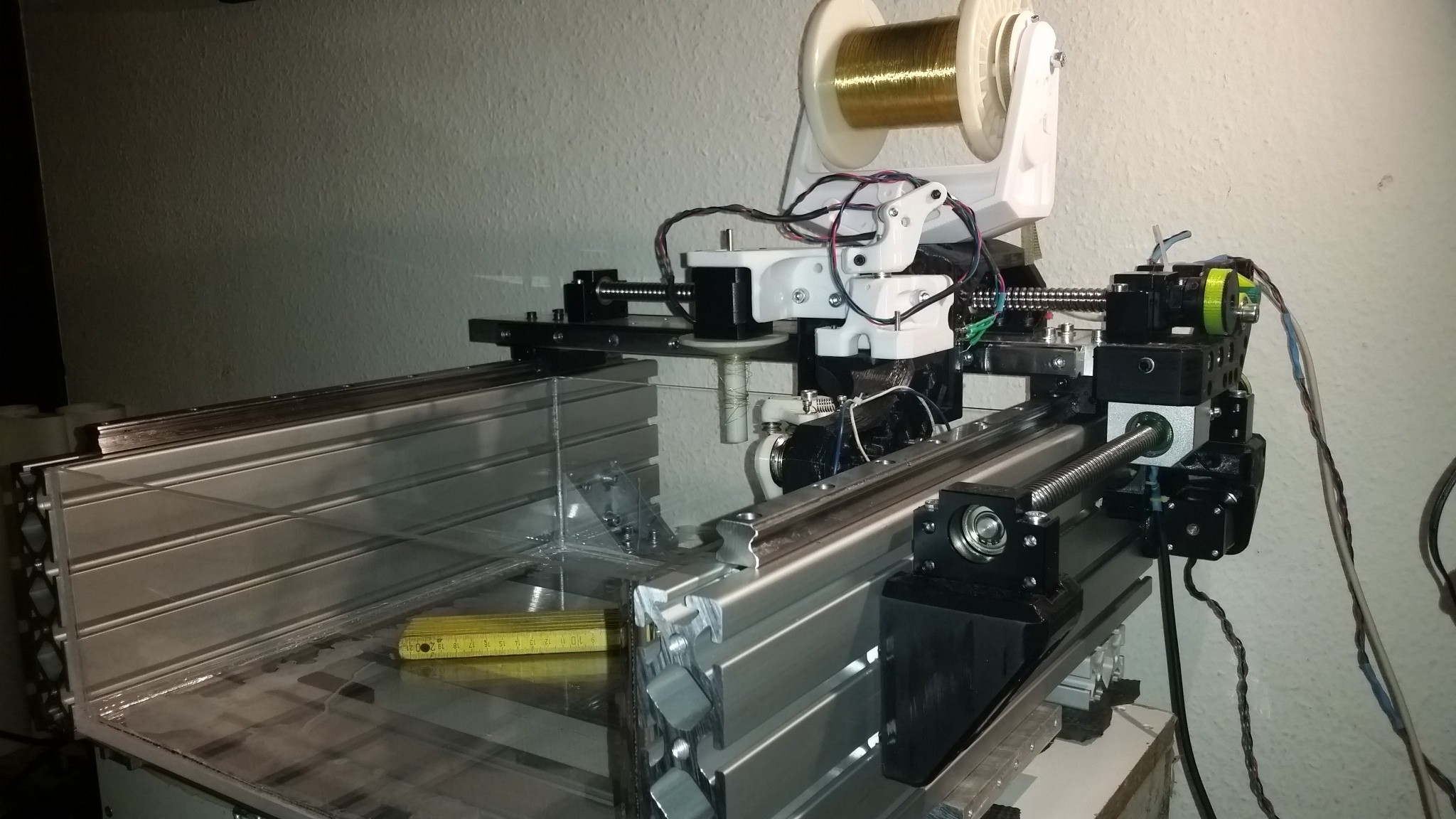
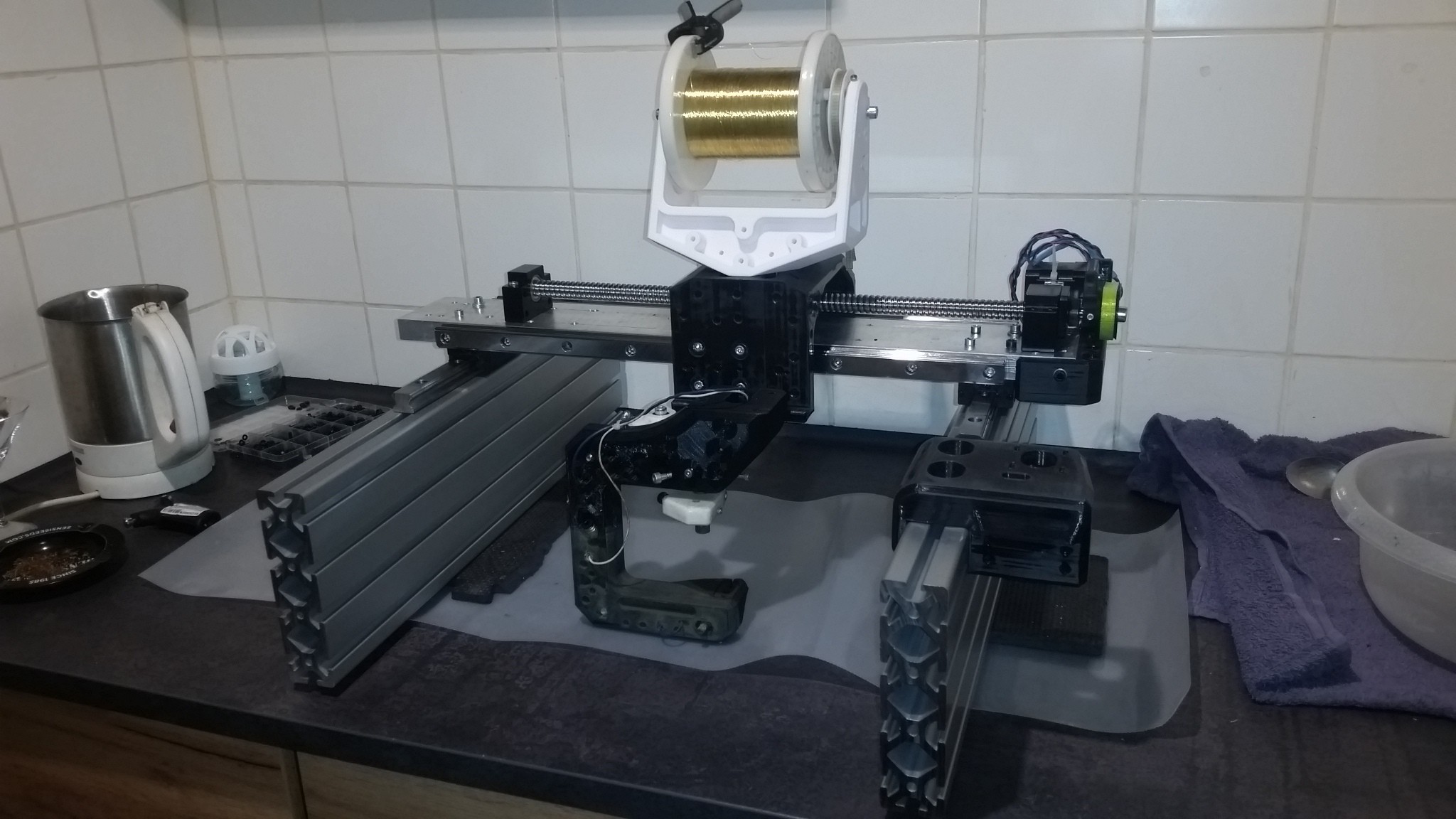
The G-EDM is a fully automated ESP32 based three axis EDM CNC machine that supports different kinds of electrodes like brass tubes or brass sheets and is highly customizable. With the wire EDM extension it is possible to cut high precision parts out of different metals. It uses 3D printed parts where it is possible and in the future it may support even laser and mill operations. The firmware provides many EDM specific features and is available on Github too: https://github.com/G-EDM/G-RBL The G-EDM pulse generator is a modern buck converter based pulse power supply that does not need a power resistor. All PCBs use big ground planes, feedback signal traces are fenced with via stitches and in general all ground zones on different layers are connected together with via stitches to get the best possible performance out of it. Contact: gedm-support@proton.me
Github: https://github.com/G-EDM?tab=repositories

  • How to Start a Sinker EDM Job on the G-EDM

    gedm-dev2 days ago 0 comments

    How to Start a Sinker EDM Job on the G-EDM

    While many are familiar with the G-EDM's capabilities, it’s worth noting that the machine supports both wire and sinker EDM operations. Unlike wire EDM, sinker EDM does not require a GCode file; instead, it relies on the machine’s firmware to generate the necessary motion commands.

    Understanding Sinker EDM Operation

    Currently, sinker EDM is performed with a single axis moving in a single direction. After selecting the appropriate settings, such as cutting depth, axis, and direction, the firmware automatically generates the required GCode command.

    The process begins with the selected axis performing an initial probe to establish the workpiece’s zero position. Once this is obtained, the machine moves along the axis for the specified cutting depth, calculated from the probe point.

    Step-by-Step Guide to Starting a Sinker EDM Job

    1. Access the User Interface

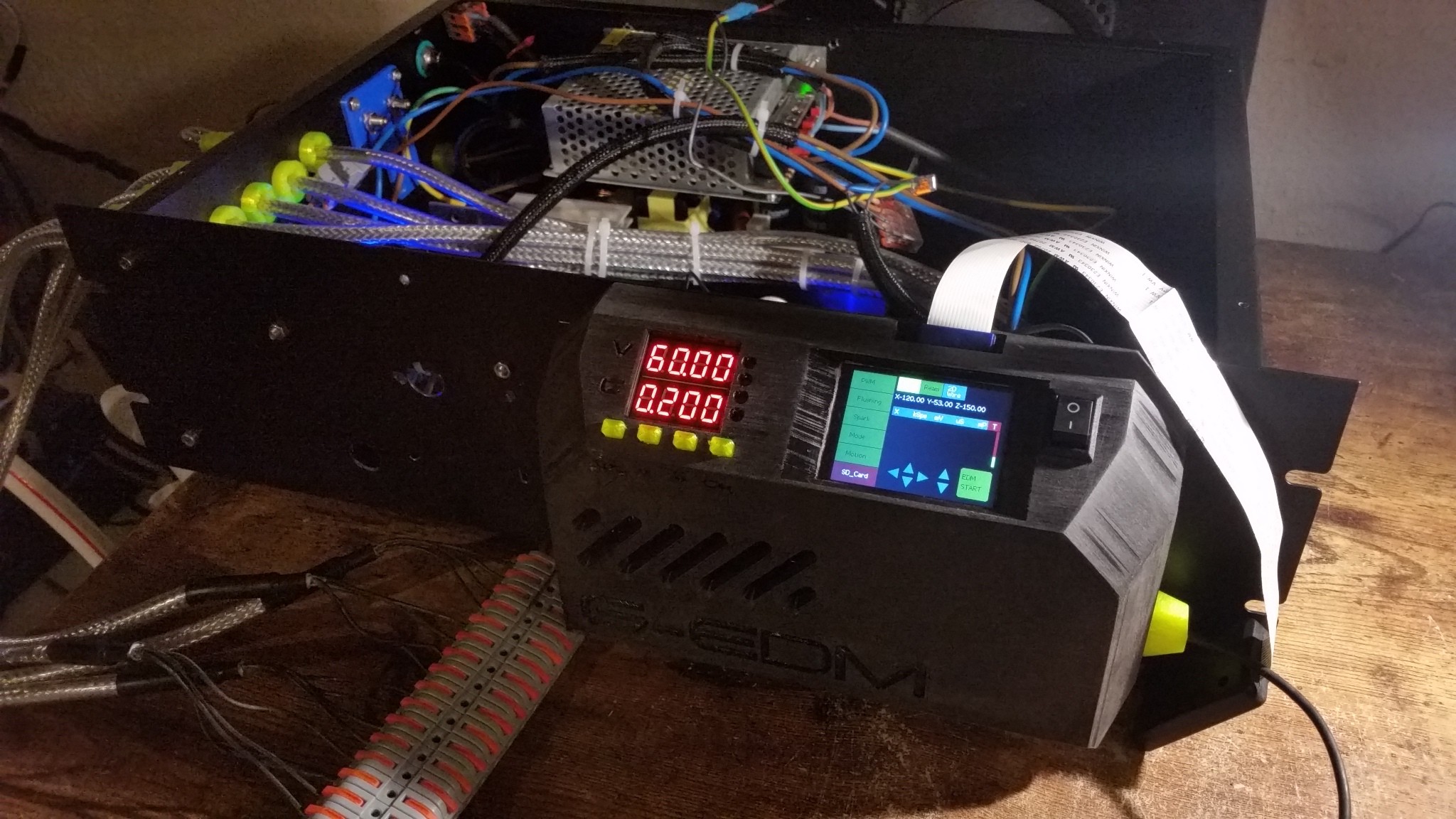
    The front screen of the G-EDM user interface provides all necessary controls and settings. By default, the machine operates in wire EDM mode, so the first step is to switch to sinker mode.

    2. Switch to Sinker Mode


    Tap the MODE button on the touchscreen to open the mode menu.
    Select "Sinker EDM" from the options. The button will highlight, indicating the active mode.
    The front screen will update to reflect sinker mode. This selection is stored in the ESP memory and will persist after rebooting.


    3. Set Basic Parameters

    Cutting Depth: The default is 10 mm. Since sinker mode currently does not involve probing for the cutting depth, this value represents the total travel depth after the initial probe.


    Adjust if needed: For example, set it to 50 mm for a deeper cut:

    • Enter the desired value.
    • After the initial probe, the machine will move into the workpiece by this distance and then stop.

    4. Confirm Axis Selection  

    Typically, sinker EDM uses the Z-axis (default). However, other axes like X or Y can also be used.
    Note: If you run the XYUV or XYUVZ configuration, selecting X or Y axes for sinker operation will chain axes together (e.g., XU or YV) to run a straight line without tilting the wire.
    This is the only setting that is not persistant. It will always be Z down after powering the machine on.

    5. Optional: Use the Wire Module for Straight Cuts

    If the wire module is installed, you can perform straight-line cuts with the wire in sinker mode.
    This feature allows quick, GCode-free straight cuts, which can be very useful.

    6. Run the Line    

    Close the settings menu and head back to the frontscreen. Turn the Motionswitch (On/Off rocker switch) to On to unlock the motion and press the start button on the screen at the right bottom. It will then start. Turning the motion switch off will always stop the process.


    Additional Settings and Tips

    Flushing and Dirt Removal

    Sinker EDM creates pockets that can accumulate debris.
    To maintain cutting quality, periodic flushing motions are recommended.
    You can configure flushing intervals and travel distances in the settings menu under the Flushing section.
    After each flushing retraction, the machine returns to the initial position, offset by a configurable number of motor steps (offset steps) to prevent collisions while returning.

    Configuring Flushing:   

    • Interval: Set how often the flushing motion occurs (e.g., every 2 seconds).
    • Distance: How far the axis moves during flushing.
    • Disabling Flushing: Set interval to zero to disable this feature.

    The flushing settings are in the settings menu:

    Summary

    • Switch to sinker mode via the Mode menu.
    • Set your desired cutting depth.
    • Ensure the correct axis is selected.
    • Adjust flushing settings if necessary.
    • Proceed with probing and cutting as usual.

  • G-EDM gapstorm shared on PCBway

    gedm-dev4 days ago 0 comments

    The Gapstorms PCBs are now available on PCBway (project is still in the review process and maybe it takes some days to unlock)  Have fun building and cutting.


    https://www.pcbway.com/project/shareproject/G_EDM_Gapstorm_Pulseboard_14dd4341.html


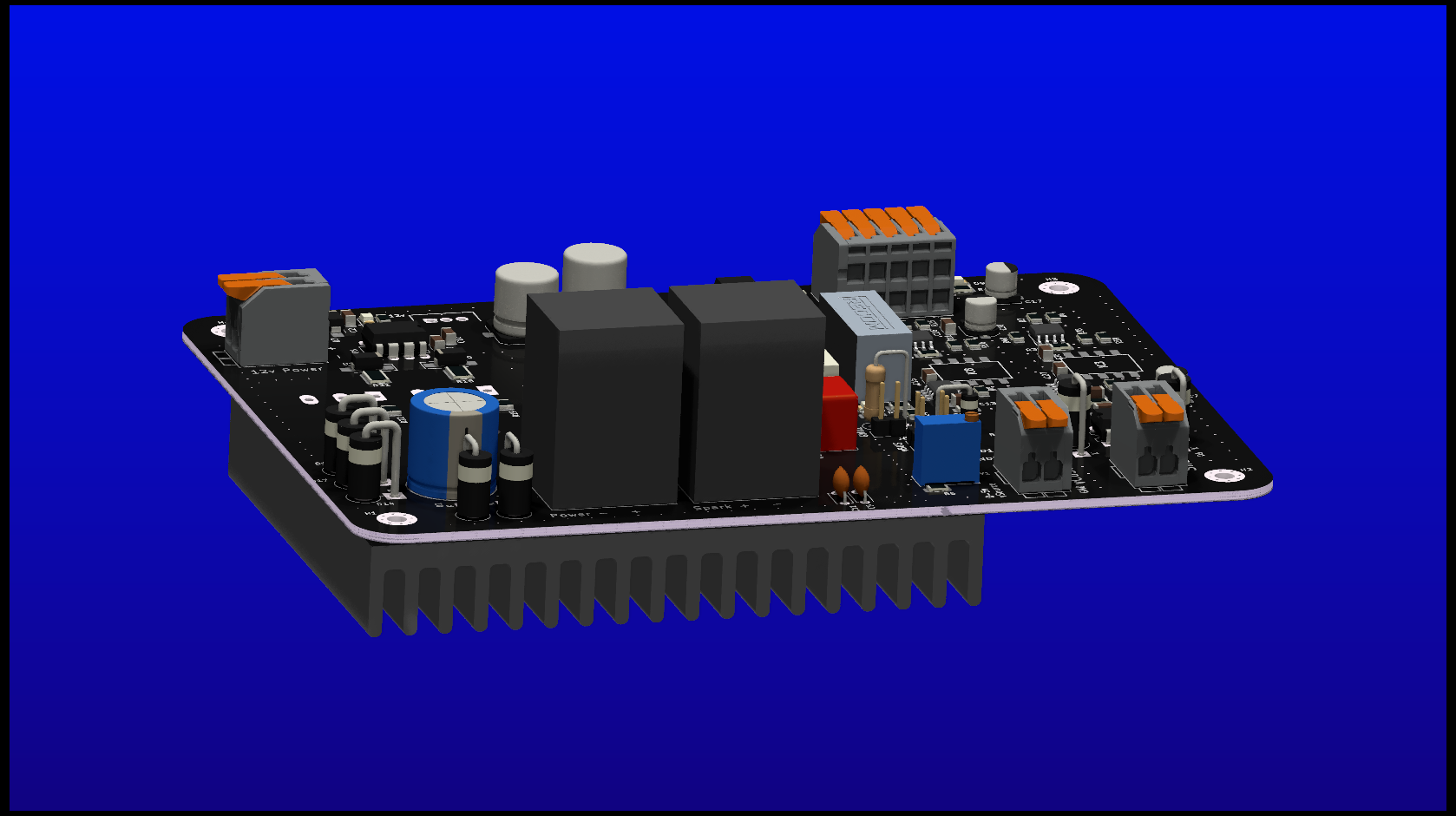
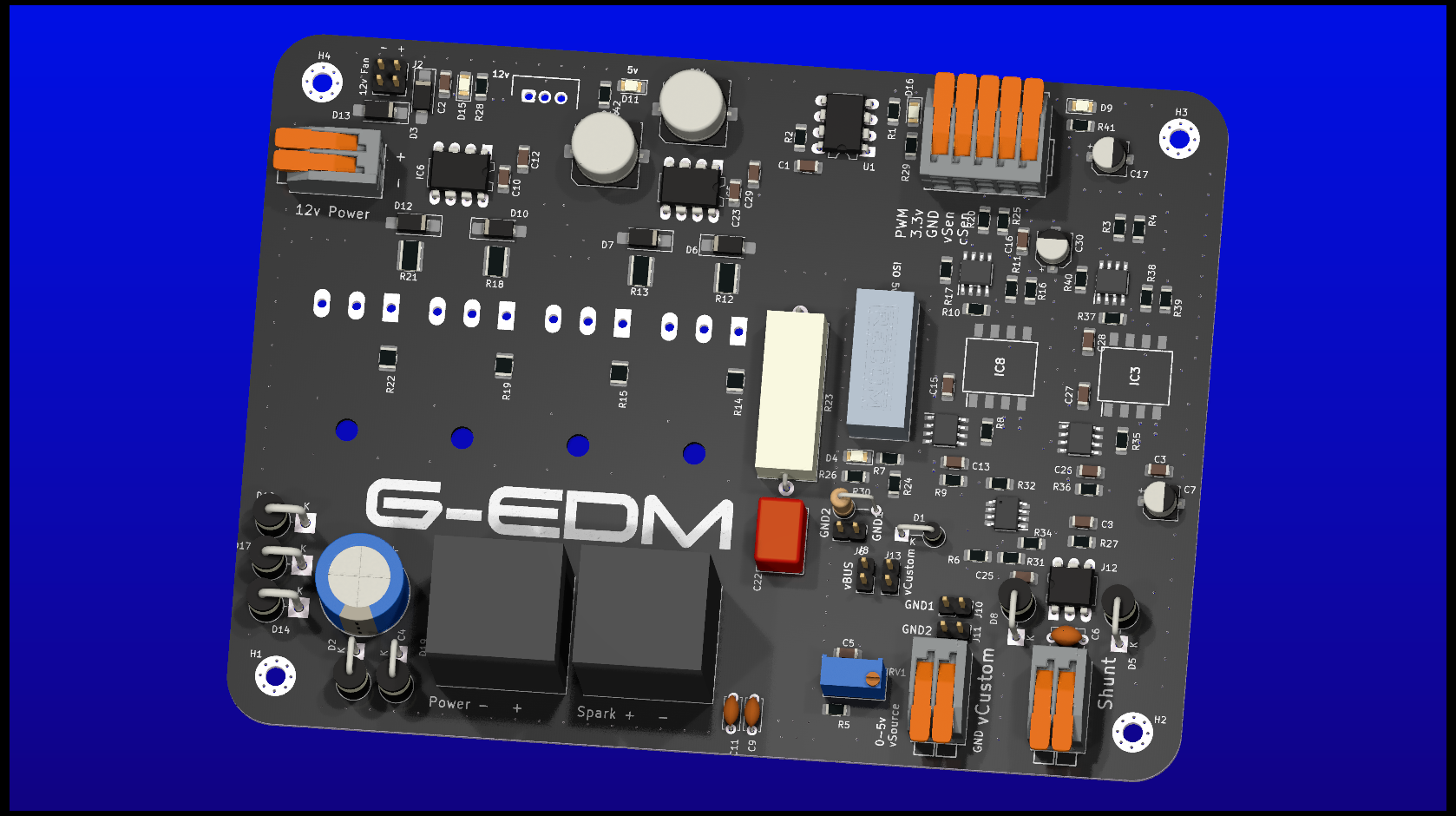
    Key Improvements compared to the EVOIII Board:

    •   Compact Size:

        PCB footprint reduced to only 99mm x 99mm.

    •   Simplified Manufacturing:

        Some through-hole (THT) components replaced with surface-mount (SMD) versions for easier assembly.

      Integrated Current Shunt:

    •   The current shunt resistor is now onboard, reducing wiring complexity.
    •   Upgraded Op-Amps:

        Replaced LM358 with OPA350 for improved performance.

    •   Advanced Gap Proximity Sensing:

        Features two sensing channels: one for current feedback and one for voltage.

        Unlike EVOIII, which connected voltage sensing to the power bus and detected only hard shorts via voltage drops, Gapstorm’s voltage sensing provides fast, linear, real gap proximity detection.

        Requires firmware update to utilize this feature.

        The PCB includes a footprint for converting between gap proximity sensing and bus voltage sensing by unsoldering and repositioning a resistor.


    Wiring and Calibration Enhancements:


    •   The onboard shunt resistor simplifies wiring, eliminating the need for an external shunt wire.
    •   Uses a fixed voltage divider for voltage feedback, removing the need for calibration potentiometers and making setup plug-and-play.


    Power Mosfet Improvements:


    •   Replaces four parallel IRFP260N Mosfets with a single, screw-mounted SOT-227 package.
    •   The new Mosfet's package is electrically isolated from the drain, allowing direct mounting onto the metal enclosure, which acts as a large heatsink.
    •   No soldering needed; just screw the Mosfet onto the enclosure with a touch of cooling paste recommended.
    •   This design simplifies assembly and enhances thermal management.

    Adjustable frequency range up to 100khz is supported by the firmware. In theory the firmware has no problem providing 200khz but it makes no sense and pollutes the CPU too much as there is an interrupt on the rising edge to trigger the readout of the ADC samples. It does skip if there is already a readout triggered but it still is extra load and from what I have seen there is just no need at all for higher frequencies.

    The "new thing" as of 11.April.2026 is the Gapstorm pulseboard together with the EVOIII Motionboard. 

  • The next firmware version - What can you expect

    gedm-dev04/02/2026 at 05:34 0 comments

    While time passes by and work increases things keep developing in the background in all directions and a new firmware will drop soon.

    What are the major changes?

    Of course a lot of bugs where fixed. As always. One issues was a deadlock if a user changed a setting while PWM was running at the same time. This can not happen in the process itself as PWM is always turned of first before it opens the settings menu. But outside the process while playing with the PWM and then opening the settings menu can sometimes freeze the UI. 

    This happens due to the high speed of the sampler that is triggered with a pulse edge. The locking mechanism had a vTaskDelay(1) to wait and in some situations the timings just prevented it from every getting the lock.

    This is fixed in the next version.

    The major change is the voltage feedback. The new Gapstorm Pulseboard provides gap proximity sensing and therefore is much closer to the spark then the previous boards which opens a lot of new ways to manage the cutting process.


    A lot of the settings are gone and many parts of the adjusting is done by the firmware now in an adaptive way to adjusts itself to changing cutting/water conditions. A previous issue was that an electrode that plunged into the metal at some point created a feedback that almost looked like the initial feedback the deeper the electrode gets. The average current keeps rising and at some point the motion would just stop until the user adjust the setpoints.

    This adjustments is now done by the firmware. It captures ideal conditions and uses those to adjust if needed.

    There are a lot of conditions bound to that in the background but those don't require user interactions.

    The initial tests showed much finer finishes and as soon as I'm back in operational mode (have to get some things done) the full bundle containing the BOM/Gerber and schematics for the Gapstorm board, the firmware and also a tutorial about how to upgrade the existing EVO boards to the new voltage sensing.

    G-EDM boards develop in a natural way step by step. Even if the new board looks very different the core circuit remained almost the same and the changes are mostly a much smaller PCB, smaller components and nicer Terminals. And of course an integrated Shunt resistor instead of the external one that is used by the EVO boards.

    Upgrading the EVO boards does not require much experience and can be done by every user with a soldering iron. After those changes they will behave the same as the Gapstorms. 

    I will ensure that nobody is left behind.


  • Powercore? Never heard of her.

    gedm-dev04/01/2026 at 03:16 0 comments

    People keep contacting me asking how the G-EDM compares against the PowerCore from Rack Robotics.

    I'm sorry to be the one telling them, but you can't compare those concepts. I haven't seen any valid cuts made by users from a PowerCore at all. It does not provide a motion control firmware and even worse the v2 AND the v3 seem to have a design issue.


    Many v2 users reported issues with their devices getting defective. This flaw was so significant that they made the v3. Now people with a PowerCore v3 show up reporting defective devices too. 


    Please don't come at me asking how it compares against that. G-EDM users measure cutting speed in mm/min and not in arcgenerators/mm.

    G-EDM is a working design with prove-of-work by multiple different people and not a single failure of the electronics since the early days. It is possible to destroy the Pulseboard by using an unregulated PSU as input but the docs clearly say to run it with a DPM/DPH which the boards are designed for. Userfaults are not G-EDM faults. 

    I would buy a PowerCore once at least v5 or v6 is available. But with the G-EDM at half the pricetag and triple the features there is no reason for it.

    Hope this clarifies that question as I'm not willing to dive deeper into this topic.

  • Website up and running

    gedm-dev03/20/2026 at 23:14 0 comments

    Documentation, build logs and more updates will be available on the website. Currently only available in German. English language set should be available in 1-2 weeks.

    Overview:

    https://gedm.org

    Updates will be published on the user profile:

    https://gedm.org/user/1

  • New C-Arc for the EVO Router

    gedm-dev02/26/2026 at 23:25 0 comments

    Hobby wire EDM has come a long way and developement happens rapid. New PCBs, new hardware, lots of progress.

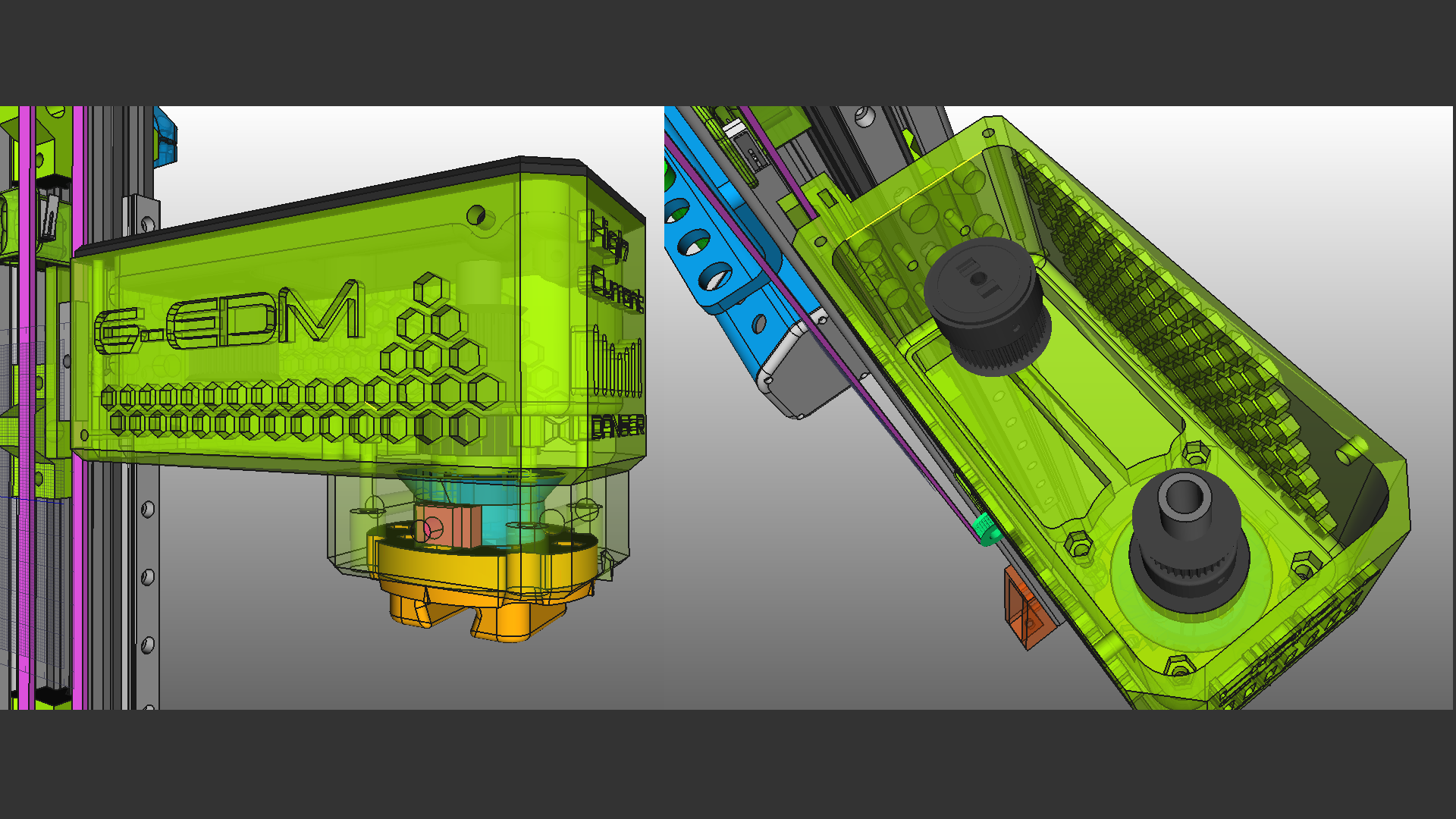
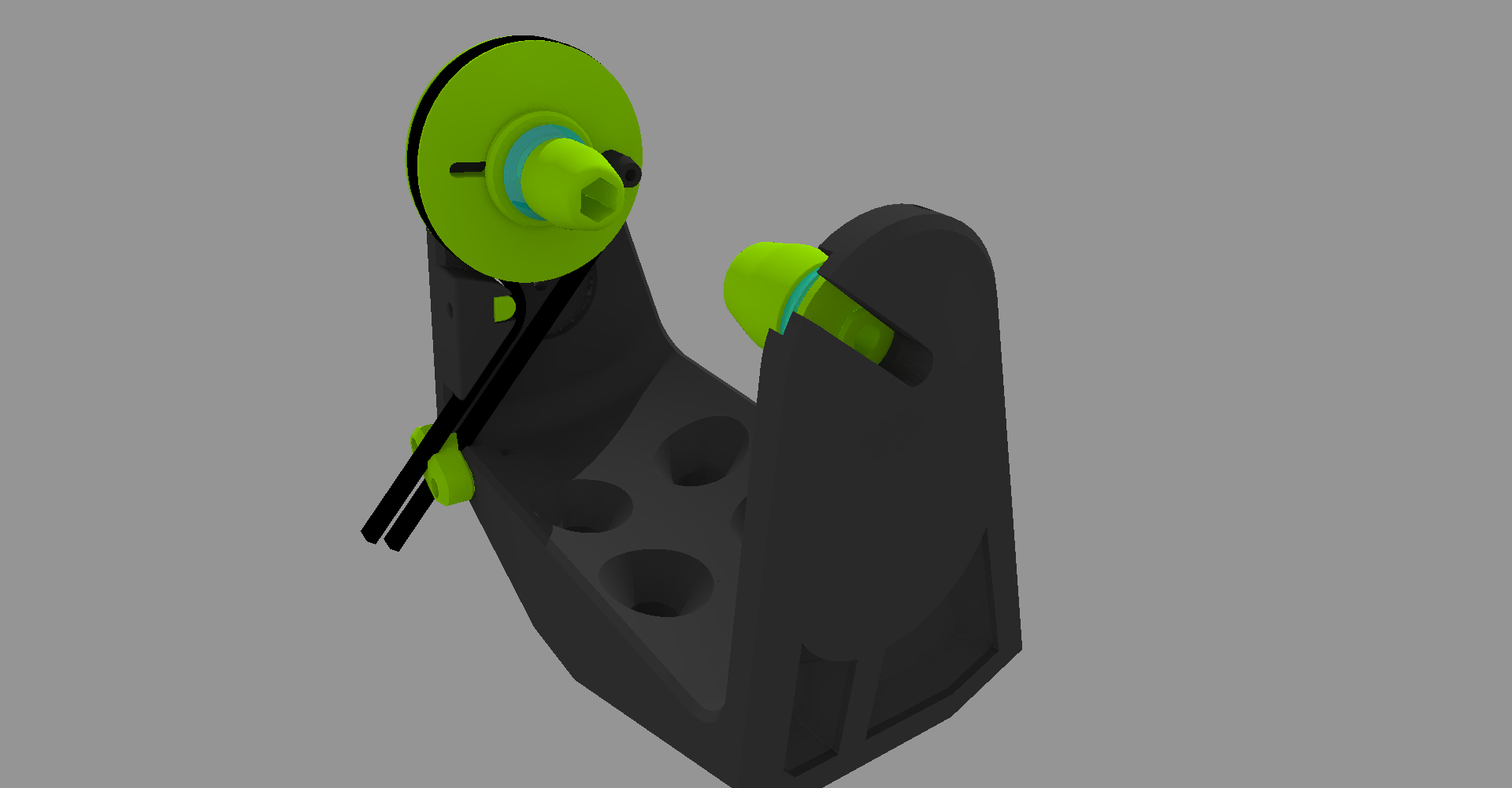
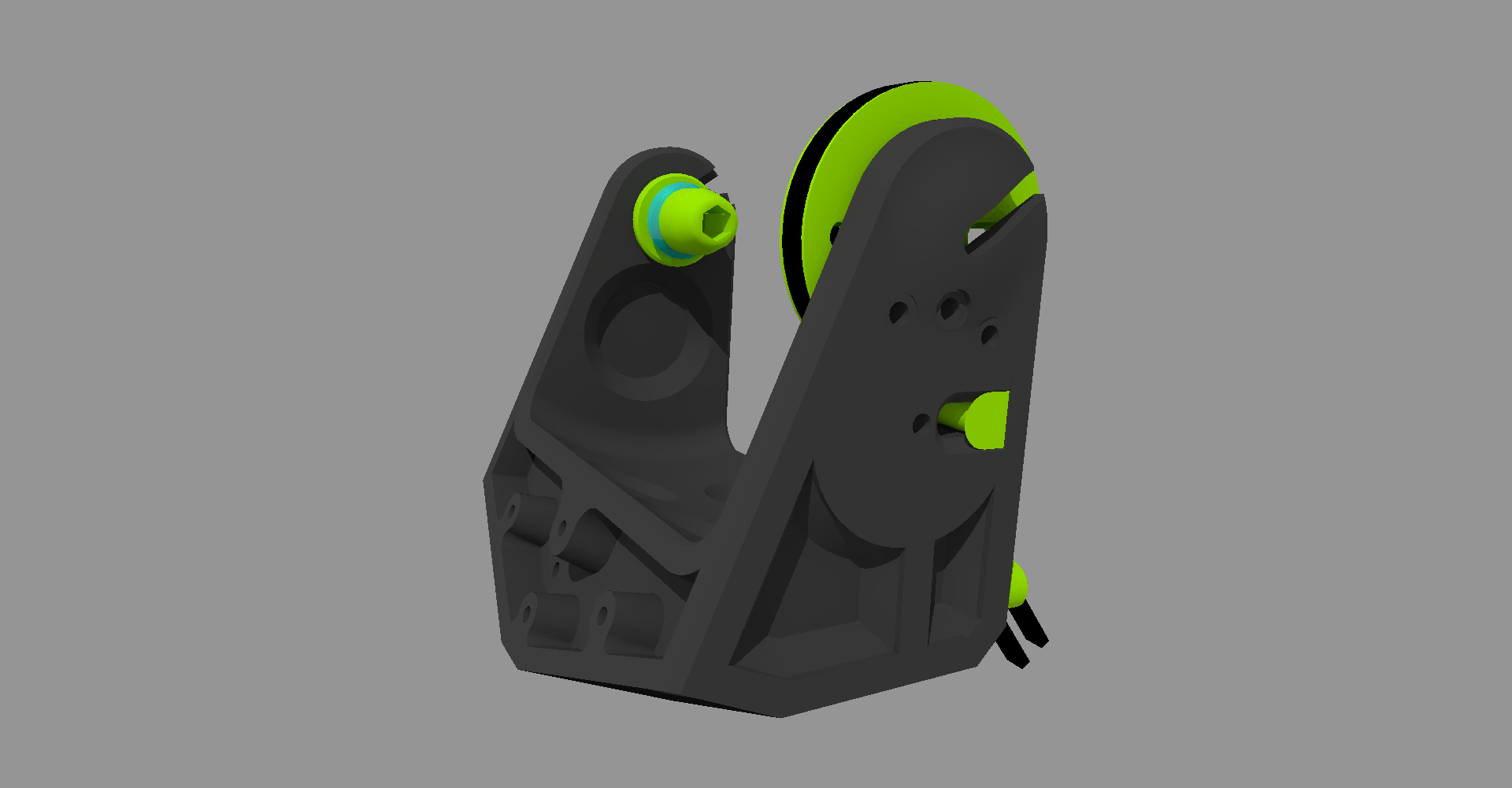
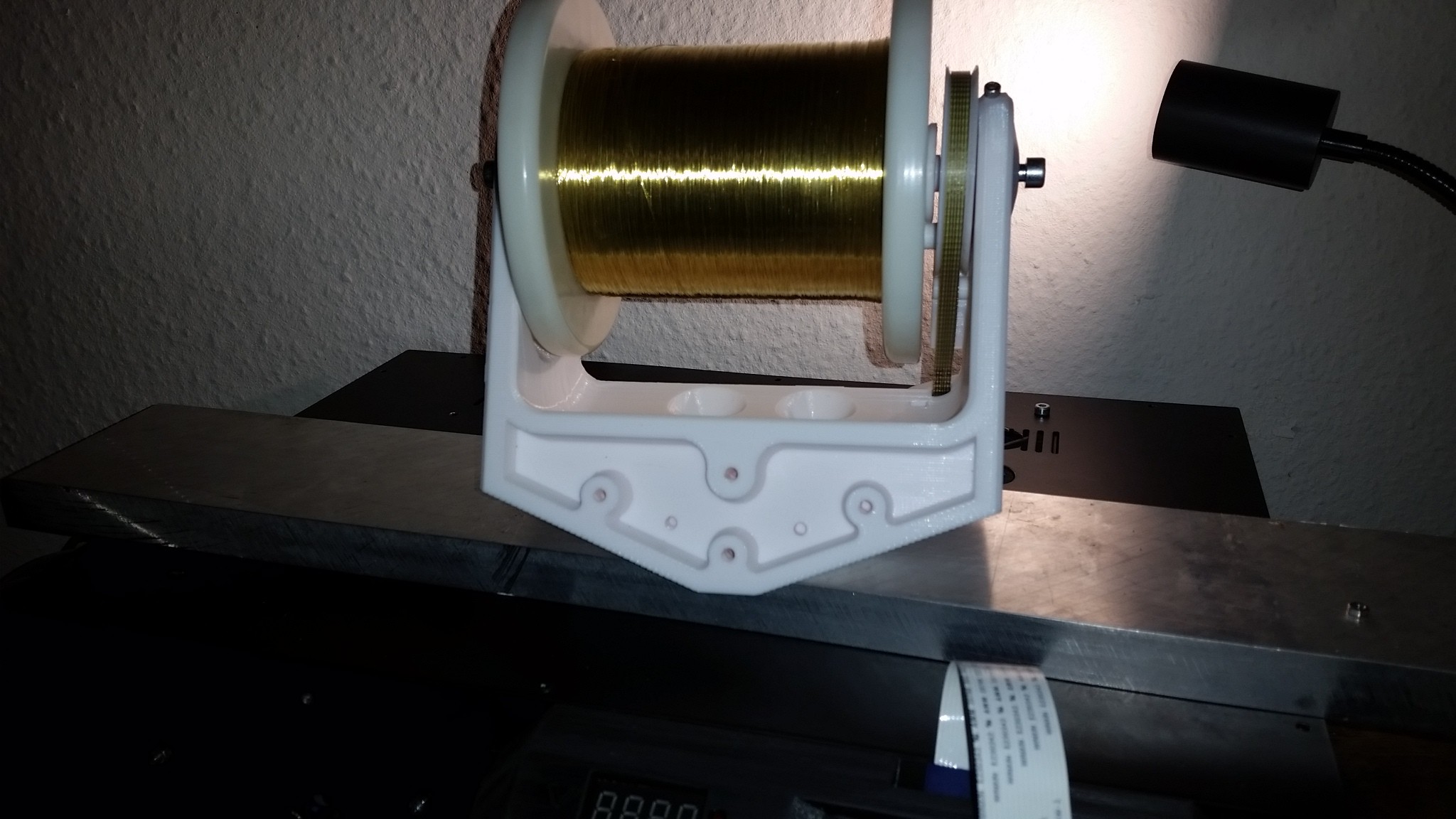
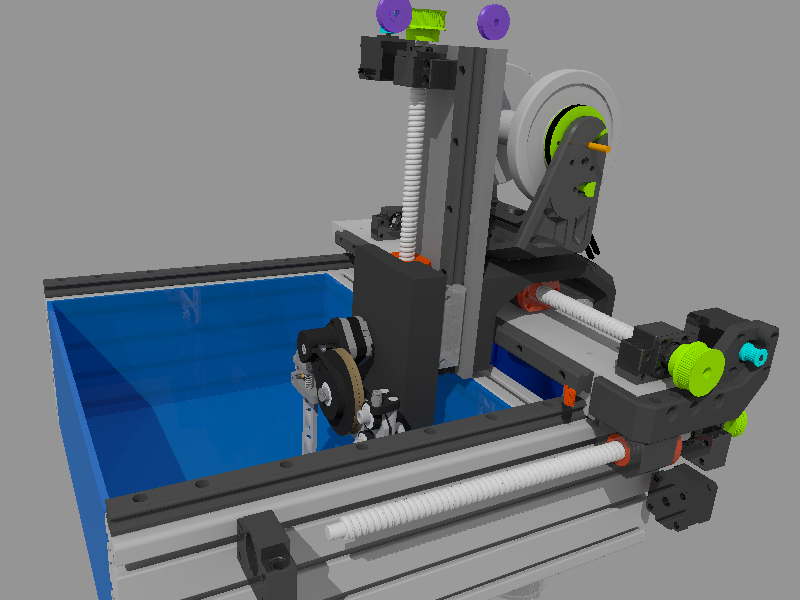
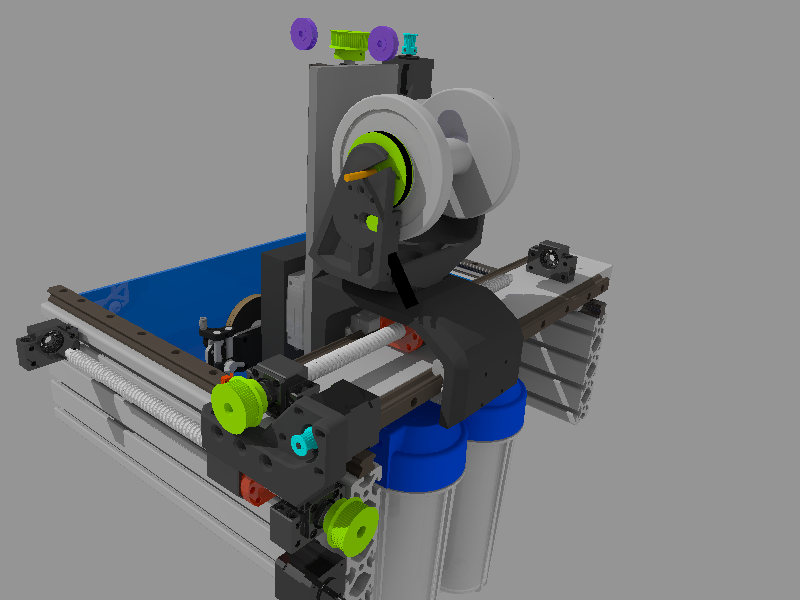
    A little preview of the next version of the G-EDM EVO router. A C-Arc type wire module with stainless steel backbone, belt driven wire feeder integrated in a compact size on the arc itself and a new spool holder for 5kg spools with integrated Nema17 is also waiting for some tests.

  • Cutting 50mm steel with a DIY wire EDM machine

    gedm-dev12/12/2025 at 23:09 0 comments

    Never thought this would be possible but it did the cut through 50mm steel.

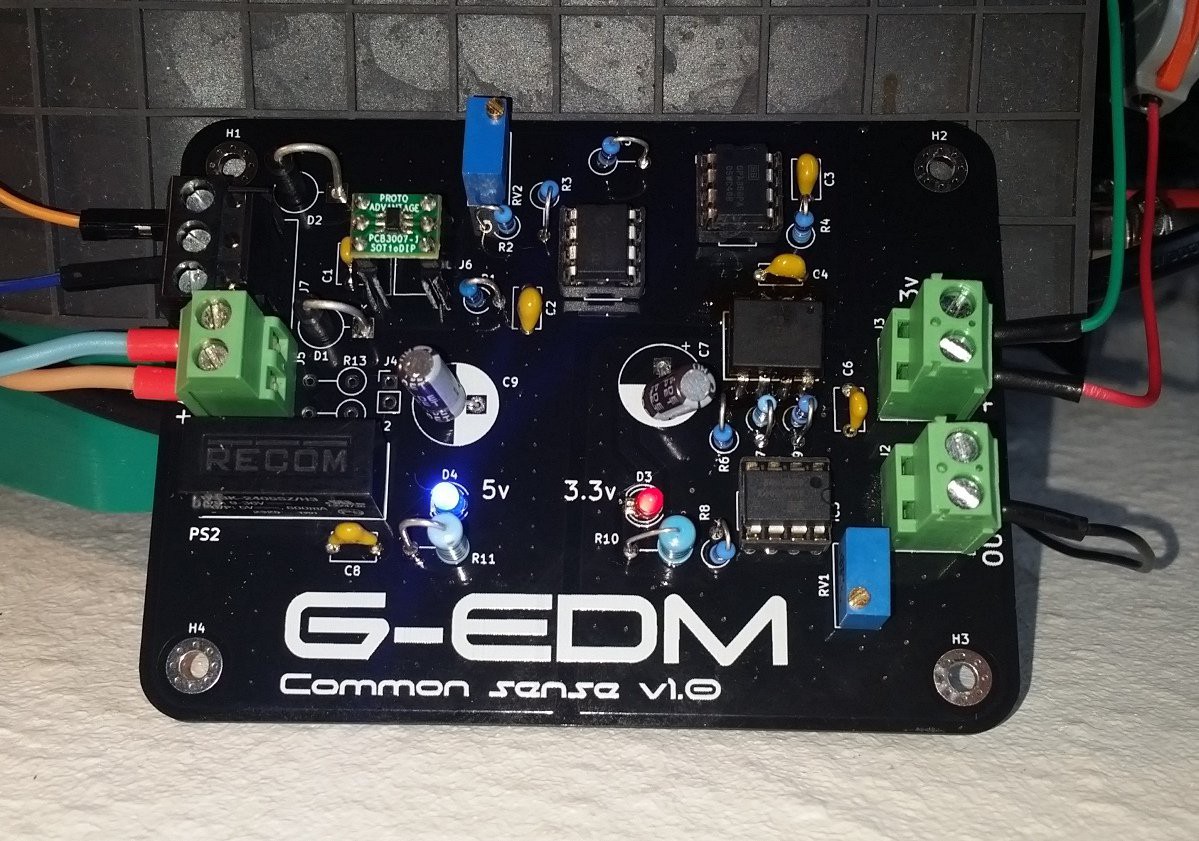
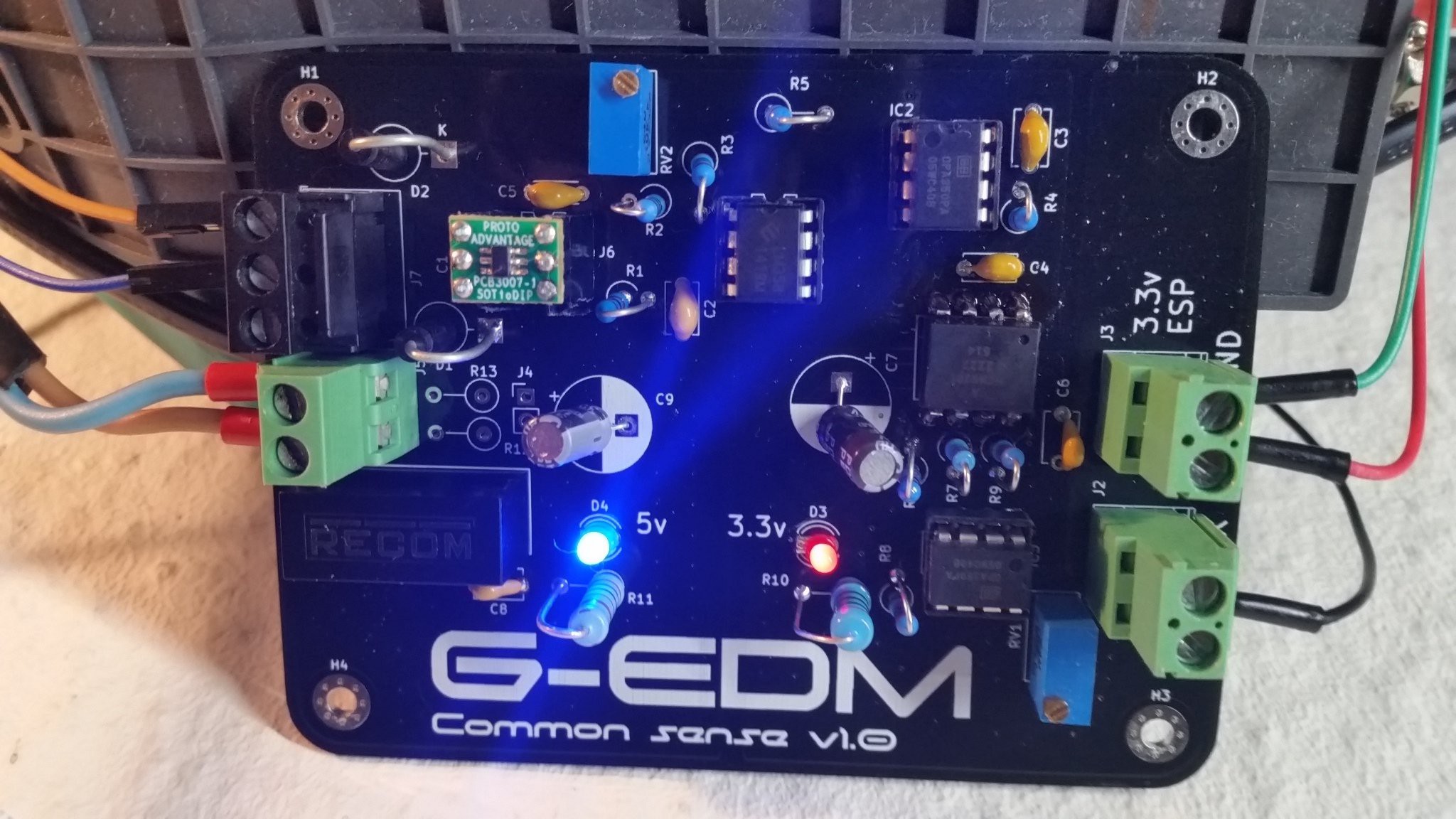
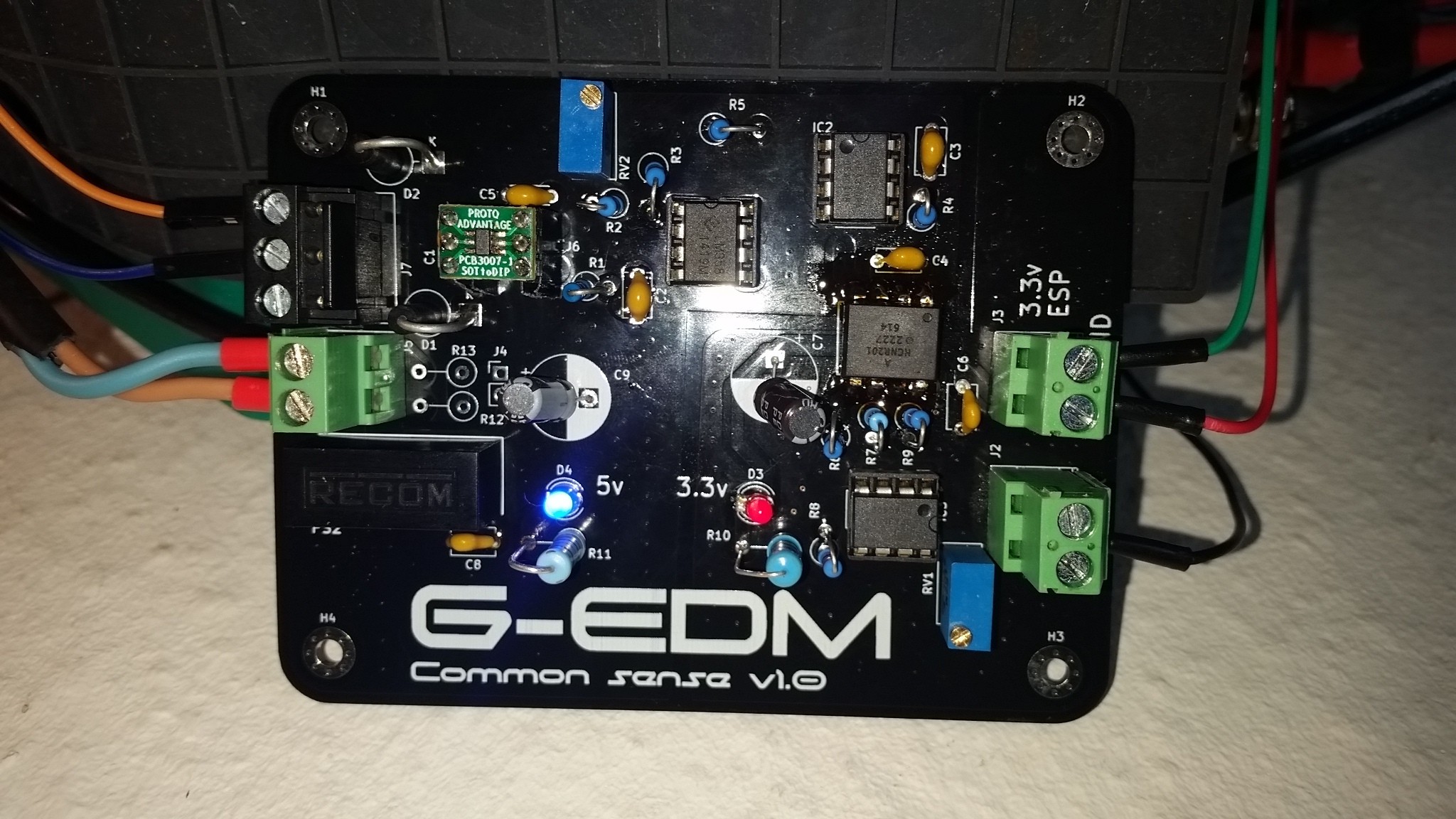
  • Updating the sensor unit on the pulseboard

    gedm-dev11/27/2025 at 04:38 0 comments

    The G-EDM is one of the few DIY wire edm machines that not only comes with the pulse electronics and sensing circuits but also provides it's own firmware.

    Making the firmware was and still is the core of the project while the hardware was left as it is for most of the time. It worked very well and there was no reason to look at the hardware much.

    Recently I took some time to take a very close look at the sensing circuit and it turned out that the circuit does not fully maximize the potential it has.

    I spend countless hours analyzing all aspects of it and test different things.

    Many of the tiny discharges where not captured by the current sensing. Based on the information available this is not a big issue and capturing a single static discharge would require very expensive hardware and to run a wire EDM it is not needed as long as the firmware is well programmed.

    But that doesn't mean it shouldn't be tried. And while working on the existing unit it turned out that by changing some resistor values and capacitors the sensitivity heavily increased making the current sensing section reacting much faster to even small discharges.

    The current channel had three 100pf capacitors in total. One between the shunt inputs, one at the low pass filter and another one on the opamp feedback that controls the linear optocoupler.

    I removed the 100pf capacitor on the input and changed the capacitor on the low pass filter stage and also the one on the optocoupler. This improved the reaction by a lot already.

    Another thing is the gain of the low pass stage. It was using a zero Ohm gain resistor making it a unity gain opamp. Tiny jumping sparks that are like static discharges create very tiny currents and a very fast. They don't create much feedback but they can indicate reaching the discharge gap distance where sparks start to jump and therefore it would be nice to capture at least some more of them and therefore I changed the gain of the low pass filter. And to make the circuit faster the LM358 was replaced by an OPA2350. The current limiting resistor on the optocoupler was also changed to a lower value.

    Those changes can be done to existing boards. There is no change except the component values.

    Another thing is voltage sensing. The current way is to monitor the powe rinput provided by the DPM or DPH and use a drop in voltage as a hard short circuit indicator. Once the current exceeds what is set on the DPM/DPH it will start to switch and create a voltage drop and it is almost always are true short circuit then.

    But other then that the voltage channel did not provide much usable information. By connecting the input of the voltage at the Mosfet drain instead of the power input it creates a linear voltage feedback. The nature of a low side switch makes it a little tricky to work with as the voltage drops to zero while the Mosfet is conducting in the ON phase but this is still doable. The conductivity of the water, size of electrode also heavily impact the feedback. The recent developments are very promising and this little video shows how the feedback reacts now.


  • Surface finish of the big aluminum G

    gedm-dev11/20/2025 at 00:54 0 comments

  • Cutting a big "G" from 20mm Aluminum

    gedm-dev11/19/2025 at 19:49 0 comments

    Single pass cut at 20khz. No issues.

View all 117 project logs

Enjoy this project?

Share

Discussions

jb333 wrote 12/28/2024 at 17:05 point

Just placed my order with PCBWay for motion boards! :)

  Are you sure? yes | no

gedm-dev wrote 12/28/2024 at 17:29 point

You need the pulseboard too. Go for the EVOIII board as it is much easier to setup compared to the evoII cube.

  Are you sure? yes | no

jb333 wrote 12/29/2024 at 07:00 point

Of course! :) 

I agree with you, the EVO2 cubes are works of art, but the EVO3 boards have to be a lot easier to cool! And, I appreciate the minimal number of connectors; That reduces costs a bit!

See, I'm very poor, minimum disability payment, so I can only afford to do one step at a time; Here's my plan:

1st: I bought a 38-pin ESP32-WROOM-32 with CP2102 USB Interface, a 38-pin breakout board, and rainbow wires with 2.54mm female terminals. Prices = $7, $3, and $0.20, respectively.

2nd: Installed VSCode and the platform.IO extension, then compiled and uploaded the firmware to the ESP32. Price = FREE - Yay Roland! :)

3rd: Bought a 2.4-inch iLi9341 Display with XPT2046 Touch Input. Price = $10

4th: Soldered J1 on rear of screen, then confirmed firmware and touch input, using the breakout board and rainbow wires. Price = FREE - Yay Roland! :)

5th: Ordered motionboards. Price = ~$130 for 20 PCBs.

6th: Acquiring components to solder motionboards.

7th: Order Stepper Motors to confirm motionboards, using power supply I already have.

8th: Order EVO3 pulseboards.

9th: Order components to solder pulseboards.

10th: Order Power Supplies, Wires, Case, etc.

11th: Order 3D-printed parts, including the G-EDM v1 toolhead.

12th: Order an "Aluminum-Foil" Enclosure for RF shielding.

13th: Order gantry plate. (I'm guessing that's the right term.)

14th: Order Aluminum Extrusions.

15th: Build plexiglass tank with filters.

16th: Install extraction fan.

17th: Buy dielectric fluid.

18th: Calibrate Machine and start testing!

I think that's everything! I hope to get this done sometime this Summer, if my budget and health will allow it.

  Are you sure? yes | no

gedm-dev wrote 12/29/2024 at 11:14 point

Sounds like a plan.

  Are you sure? yes | no

gedm-dev wrote 12/29/2024 at 12:03 point

PS: I still like the cube. It feels rock solid while the EVOIII board does flex easy due to the cutouts. But for me they are too much work building compared to the new board. If you want the raw cube PCBs I would give them away for free if you pay the shipment.

  Are you sure? yes | no

jb333 wrote 12/31/2024 at 23:03 point

WOW!!! That's Extremely Generous! :) 

I just sent you an e-mail.

  Are you sure? yes | no

yfsnd wrote 06/11/2024 at 05:38 point

Very nice design! I am very interested. Have you shared the circuit schematics and the PCB files? Where can I check them?

  Are you sure? yes | no

Mike K wrote 03/13/2024 at 13:31 point

Amazing work. I am waiting for the PCB files to build and test one myself. I had made an edm machine in the past but my spark wasnt strong enough. Hopefully this board works in my machine.

  Are you sure? yes | no

dgourlay wrote 11/22/2023 at 22:44 point

this is GREAT!  I just saw your youtube.  Excellent work!

  Are you sure? yes | no

gedm-dev wrote 11/23/2023 at 07:41 point

Thanks. Wish it would be finished soon. But still so much to do.

  Are you sure? yes | no

H wrote 10/06/2023 at 00:59 point

Looks amazing so far! As far as I know there haven't been any other EDM makers that were willing to share their files, so thanks (even though you're not to that point yet)!

  Are you sure? yes | no

gedm-dev wrote 10/06/2023 at 02:19 point

The only thing unreleased are the PCBs and people may be surprised how simple they actually are. The ESP motion controller is jsut a breakout board that makes life easier. The pulseboard is a little more complex but still pretty basic. At some point they will be available.

  Are you sure? yes | no

H wrote 10/06/2023 at 23:51 point

Oh dam I should look more into this. I don't need the motion board since I already have individual drivers + breakout boards that are easy to wire

  Are you sure? yes | no

gedm-dev wrote 10/07/2023 at 00:34 point

The breakoutboard is very useful. It extends the SPI Mosi/MISO/CLK pins and allows to wire the display without hacking 3to1 jumper wires.

  Are you sure? yes | no

Jimmy wrote 10/04/2023 at 08:44 point

Does your GRBL version backtrack on short?

  Are you sure? yes | no

gedm-dev wrote 10/05/2023 at 07:26 point

Yes. The planner of grbl was replaced with one that can move back in history.

  Are you sure? yes | no

Piotr wrote 08/10/2023 at 00:00 point

How feedback circuit looks like? I want to build similar machine and have problem in this part.

  Are you sure? yes | no

gedm-dev wrote 08/10/2023 at 01:31 point

The feedback is just a voltage divider. that outputs between 0 and 2.8v depending on the voltage drop created. Everything else happens at software level.

  Are you sure? yes | no

joram wrote 07/12/2023 at 08:48 point

This looks interesting. Is the esp32 code already in a sharable state?

  Are you sure? yes | no

gedm-dev wrote 07/12/2023 at 12:49 point

Almost. I just need to confirm that the Y axis works too. Currently building the axis. Should be ready soon.

  Are you sure? yes | no

Similar Projects

Does this project spark your interest?

Become a member to follow this project and never miss any updates